

Custom WordPress Plugin Development
Build the booking, approval or business workflow your existing WordPress setup is missing. I’m Salman, a developer in Karachi working remotely with international businesses and agencies. I review what can be reused before proposing custom code.
Start with the workflow you need
Custom development makes sense when a specific business rule is missing: how a booking is reviewed, what information staff need, or how a feature connects to an existing system. The first step is to compare that requirement with what your current plugins already support.
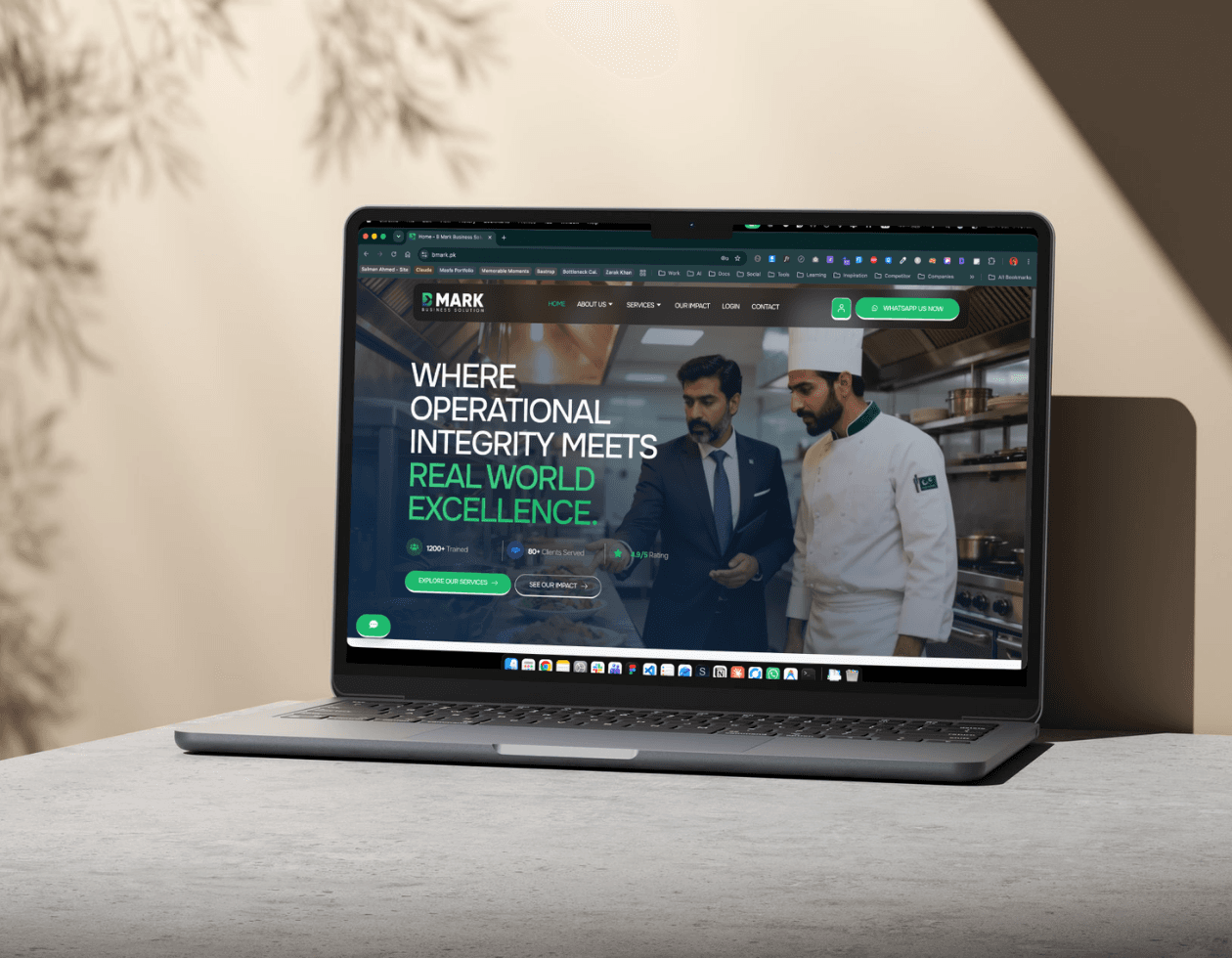
For BMark Business Solutions, I built a custom PHP extension for Tutor LMS. It adds training locations, seat inventory, applications, payment-proof uploads and a backend approval flow. The team reviews applications and assigns seats while Tutor LMS remains the course foundation.
That project is a useful example for training providers and service businesses with a manual process to bring into WordPress. Your own scope may be smaller, or an existing plugin may be enough. The linked case study explains the delivered workflow.
From business rule to working feature
Agree The Scope Before The Build
Map the current process
Share the site, plugins, user roles and one example from start to finish. We identify inputs, approval rules, notifications and the gaps causing extra work.
Choose what to reuse
Compare configuration, an existing extension and custom code. Agree deliverables, acceptance checks, dependencies, cost and responsibility for maintenance.
Build and review on staging
Develop against the agreed WordPress and plugin versions. Test permissions, validation and the relevant success and failure paths using representative test data.
Release and hand over
Use a backup and rollback plan for deployment. Deliver the custom source and usage notes, then agree any future compatibility checks or support separately.
Bring a real workflow. We’ll define the smallest useful scope.
Describe Your Plugin ProjectKnow what you are commissioning
Specific Scope, Visible Proof, Clear Handover
A custom plugin should have a defined job and a clear maintenance owner. These are the decisions I make explicit before development:
A relevant client project
The BMark case study shows a Tutor LMS extension for in-person training applications and approvals. Explore the delivered features and project screenshots before discussing your own workflow.
Extend where it fits
Keep useful existing functionality and build the missing behaviour. Reuse is assessed against your requirements and supported extension points, not assumed to be the cheapest answer.
Source and dependencies
The handover includes the custom source code and documentation under the agreed terms. WordPress, existing plugins, paid licences and external services keep their own terms and costs.
Compatibility planning
Test against agreed versions before release, and plan future updates on staging. No custom integration can promise compatibility with every future WordPress or plugin change.
Show me where your current workflow gets stuck
Send your website, current plugins, user roles, one example workflow, budget and deadline. I’ll assess whether configuration, an extension or custom development fits.

FAQs
Custom Plugin Questions, Answered
I scope features around business workflows, such as booking applications, staff approvals and extensions to existing plugins. A published example is BMark’s Tutor LMS extension for in-person training. Integrations or other requirements are assessed individually before I commit to delivery.
Yes, where its supported extension points fit the requirement. For BMark, I extended Tutor LMS with training locations, seat inventory, payment-proof uploads and approvals. I review the plugin, version and required behaviour before proposing the architecture.
The quote depends on the workflow, user roles, integrations, data handling and testing required. A focused extension and a standalone system need different scopes. After reviewing the brief, I provide an agreed scope and quote, with external licences and ongoing support identified separately.
Compatibility needs testing. I use supported WordPress and plugin extension points and test the agreed versions before release. Future updates can change dependencies, so backups, staging checks and a maintenance owner remain necessary.
You receive the custom source code and handover documentation under the project agreement. Existing plugins, open-source components, hosting and external services retain their own licences or subscription costs. Ongoing development and maintenance are scoped separately.
Yes. I work remotely from Karachi with international clients. We agree communication overlap, access, review milestones and acceptance checks. Share the current stack and business process first; do not include passwords or private customer records in the enquiry.
Your website URL, current WordPress and plugin setup, who uses the feature, an example workflow, the expected outcome, integrations, budget and deadline. A simple diagram or anonymised screenshots can help explain the process.
The timeline is agreed after reviewing the scope. A focused extension may take around 1–2 weeks; a larger workflow can take 3–6 weeks or longer, depending on integrations, testing and feedback. These are planning ranges, not a promise for an unreviewed brief.