Free LinkedIn Text Formatter& Font Generator
Format your LinkedIn posts with bold, italic, underline, strikethrough, and 18+ Unicode font styles. Free, instant, no sign-up required.
Write or paste your text
LinkedIn post preview
Posts can run up to 3,000 characters — the engagement sweet spot is 1,200–1,600. Only the first ~210 characters show before “…more”, so lead with a strong hook. Use 3–5 relevant hashtags and keep important keywords in plain text (styled Unicode isn’t searchable).
All LinkedIn Font Styles — Copy & Paste
Your text instantly converted to 22 Unicode font styles. Click “Copy” on any style.
How to Use This LinkedIn Text Formatter
Format your LinkedIn posts in 4 simple steps
Type or Paste Text
Enter your LinkedIn post content into the text editor above. Write from scratch or paste existing content.
Select & Format
Highlight the text you want to style, then click Bold, Italic, Underline or any of the 22+ available Unicode font styles.
Preview Your Post
See exactly how your post will look on LinkedIn's feed on both desktop and mobile before publishing.
Copy & Paste to LinkedIn
Click “Copy Formatted Text” and paste directly into LinkedIn's post editor. Your formatting is preserved.
LinkedIn Text Formatter: The Complete Guide to Formatting LinkedIn Posts
LinkedIn doesn't natively support rich text formatting like bold, italic, or underline in posts and profile sections. However, by using Unicode characters that visually resemble formatted text, you can make your LinkedIn content stand out in crowded feeds. Our free LinkedIn text formatter converts your regular text into these special Unicode symbols instantly.
Why Format Your LinkedIn Posts?
In a sea of plain-text LinkedIn updates, formatted posts grab attention. Strategic use of bold text for headlines, italic for emphasis, and bullet points for structure can dramatically improve readability. Well-formatted posts typically see higher engagement rates — more likes, comments, shares, and ultimately more profile views and connection requests.
Supported LinkedIn Font Styles
This tool supports 22+ styles: Bold Serif, Bold Sans, Italic, Italic Sans, Bold Italic, Bold Italic Sans, Sans-Serif, Script, Double-Struck, Fullwidth, Underline, Strikethrough, Bold+Underline, Bold+Strikethrough, Uppercase, Lowercase, Numbered List, Bullet Points, Checklist, Ascending Sort, and Descending Sort.
Where Does Formatted Text Work?
You can paste Unicode text into LinkedIn posts, headlines, About sections, experience descriptions, messages, comments, and company pages. It also works on Twitter/X, Instagram bios, Facebook, WhatsApp, and more.
Important Considerations
Unicode-formatted text is not searchablewithin LinkedIn's search engine — keep important keywords in plain text. It may not display on very old devices, and screen readers cannot properly read Unicode-styled characters, so use formatting sparingly for maximum accessibility.
Best Practices
Use bold for headlines only, not paragraphs. Aim for 1,200–1,600 characters. Start with a compelling hook (only ~210 chars show before “see more” on mobile). Use 3–5 hashtags. Always include a call-to-action.
Related reading
Go deeper on formatting posts that actually get read.
 LinkedIn
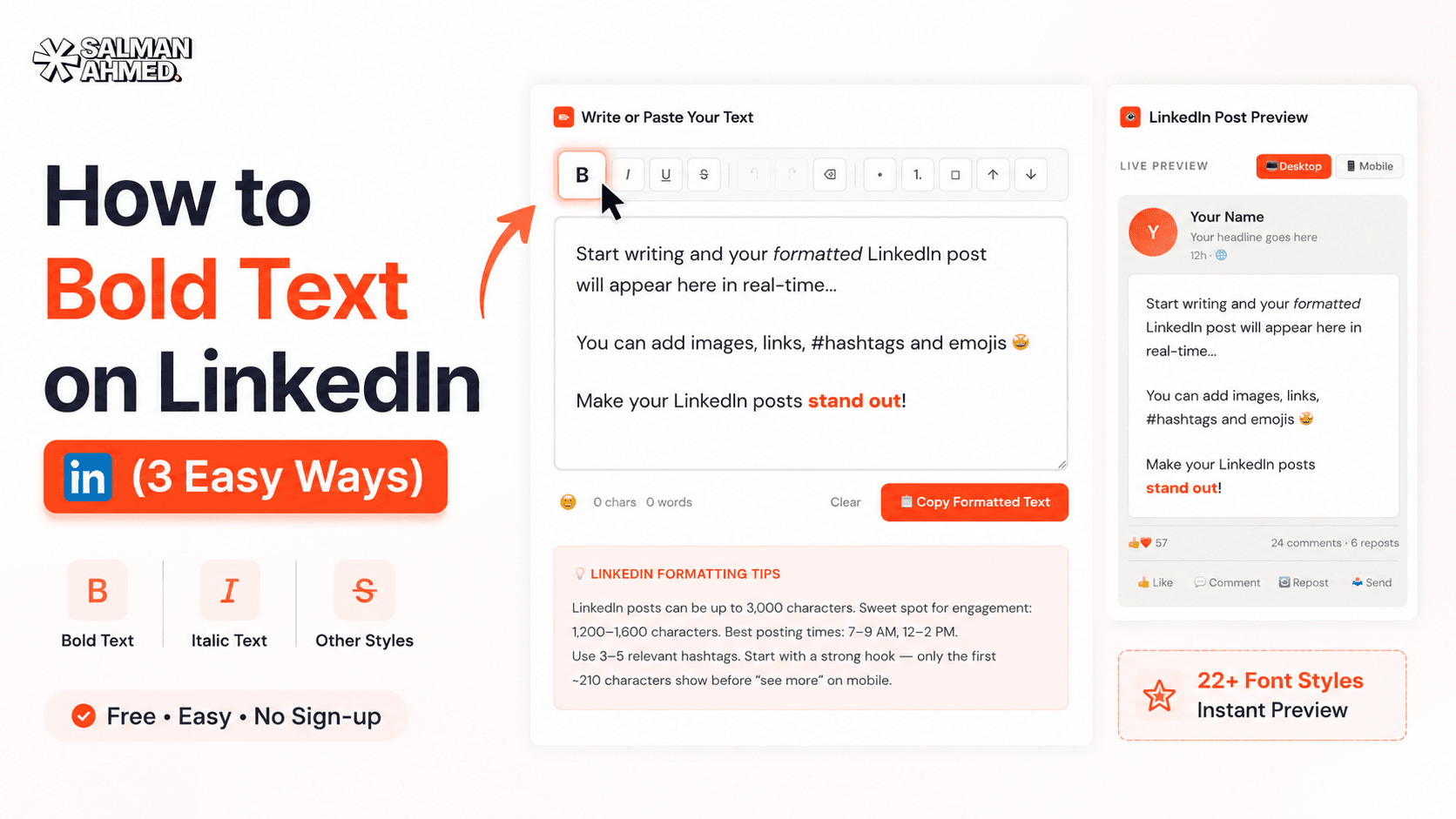
How to Bold Text on LinkedIn (3 Easy Ways)
How to bold text on LinkedIn posts, headlines & comments — the free formatter method, manual Unicode, and why Word doesn't work. Plus the mistakes that hurt your reach.
6 min read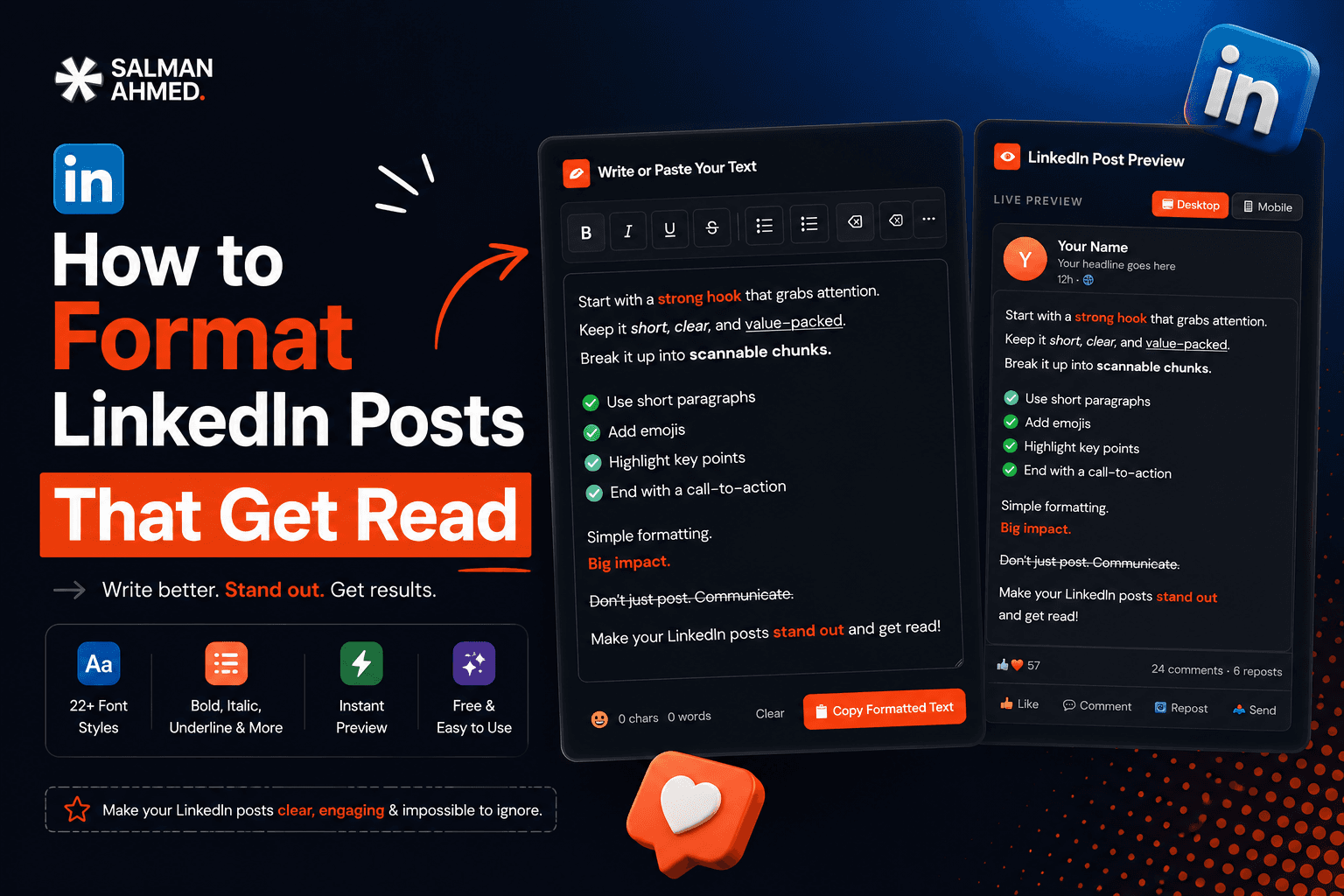 LinkedIn
How to Format LinkedIn Posts That Get Read
How to format LinkedIn posts for maximum readability — the ~210-character hook window, whitespace, Unicode bold, bullets, hashtags & a before/after example. Free tool included.
7 min readFrequently Asked Questions
How do I bold text on LinkedIn?
LinkedIn doesn't natively support bold formatting in regular posts. To make text bold on LinkedIn, use a Unicode text formatter like this tool. Simply type your text, select the portion you want to bold, and click the “Bold” button. It converts text to Unicode Mathematical Bold characters. Copy and paste into LinkedIn.
Is this LinkedIn text formatter free to use?
Yes — 100% free, no sign-up, no hidden charges, no usage limits. Format as many posts as you want.
Does formatted text work everywhere on LinkedIn?
Unicode-formatted text works in LinkedIn posts, comments, messages, your headline, About/Summary section, and experience descriptions. It also works on other platforms like Twitter/X, Instagram bios, Facebook, WhatsApp, and more.
Is Unicode formatted text searchable on LinkedIn?
No. Unicode-formatted text is NOT indexed by LinkedIn's search engine. Keep important keywords in plain text. Use formatting only for headlines, emphasis, and visual impact.
Is Unicode text accessible for screen readers?
Unfortunately, most screen readers cannot properly interpret Unicode mathematical symbols. We recommend using formatted text only for decorative headings and short highlights, not for essential information.
What is the maximum character limit for LinkedIn posts?
LinkedIn allows up to 3,000 characters per post. Only ~210 characters show before “see more” on mobile. For optimal engagement, aim for 1,200–1,600 characters.
Can I use this tool for Instagram, Twitter, or Facebook?
Yes! Unicode formatted text works on virtually any platform — Instagram bios, Twitter/X, Facebook, WhatsApp, YouTube comments, and more.
Do I need to install any software?
No. Web-based tool that works in any modern browser on desktop, tablet, or mobile — Windows, Mac, iOS, Android.
More free tools
Built to help you ship faster — all free, no sign-up.
WordPress Cost Calculator
Answer 5 quick questions and get an instant, honest price range for your WordPress website — built from my real, published pricing. Live estimate, full breakdown, no sign-up.
LinkedIn Character Counter
Count your text against the real limit for every LinkedIn field — post, headline, About, comment, connection note and more. Live count, over-limit warning, and the “…see more” hook preview. No sign-up.
LinkedIn Post Preview
See exactly how your post will look in the LinkedIn feed before you publish — desktop, tablet & mobile, with your photo, an image and the “…see more” cut. Download it as an image. No sign-up.
LinkedIn Hashtag Generator
Enter a topic or paste your post and get relevant LinkedIn hashtags grouped by reach — mix broad and niche for the best of both. One-click copy, no sign-up.
Sticky Notes for Chrome
Drop draggable sticky notes on top of any webpage — like real Post-its for your browser. Notes persist between sessions and stay out of your way.
Need a website that works as hard as this tool?
I build fast, conversion-focused WordPress sites that turn visitors into clients. If this free tool helped, let's build something for your business.