
Free LinkedIn Character Counter
Count characters against the real limit for every LinkedIn field — post, headline, About, comment, connection note and more. Live count, over-limit warning, and the “…see more” hook preview. No sign-up.
Posts of 1,300–2,500 characters tend to earn the most engagement. Lead with a strong hook — only the first ~210 characters show before “…see more”.
Start typing to see your hook.
How to Use the LinkedIn Character Counter
Count against the right limit in 3 steps.
Pick your field
Choose the LinkedIn field you're writing — Post, Headline, About, Comment, and more. Each has its own real character limit.
Type or paste
Your character count updates live against that field's limit, with a gauge that turns amber near the limit and red when you go over.
Nail the hook
For posts and your About section, see exactly what shows before “…see more” so your first line earns the click.
LinkedIn Character Limits: Every Field (2026)
LinkedIn caps almost every field, and going over means your text gets cut off — or won't post at all. Here are the current character limits for every LinkedIn field, and where each one truncates with “…see more”.
| LinkedIn field | Character limit |
|---|---|
| Post | 3,000 |
| Headline | 220 |
| About / Summary | 2,600 |
| Comment | 1,250 |
| Connection request note | 300 |
| Direct message | 8,000 |
| InMail subject | 200 |
| InMail body | 2,000 |
| Company tagline | 120 |
| Company description | 2,000 |
| Experience description | 2,000 |
| Article title | 150 |
| Recommendation | 3,000 |
| Poll question | 140 |
| Poll option | 30 |
LinkedIn post character limit
A LinkedIn post can be up to 3,000 characters. Only about the first 210 characters show on desktop (and ~140 on mobile) before the “…see more” cut — so your hook lives in that opening line. Posts of 1,300–2,500 characters tend to earn the most engagement.
LinkedIn headline character limit
Your headline can be up to 220 characters, but only ~60–70 show in search results and previews — front-load your role and value proposition.
LinkedIn About section character limit
The About / Summary section allows 2,600 characters, with only ~300 shown before “…see more.” Lead with your strongest line so people keep reading.
Comments, connection notes & messages
Comments allow 1,250 characters (shown in full), a connection request note allows 300, and a direct message allows 8,000. Company taglines are capped at just 120.
Related reading
Go deeper on formatting posts that actually get read.
 LinkedIn
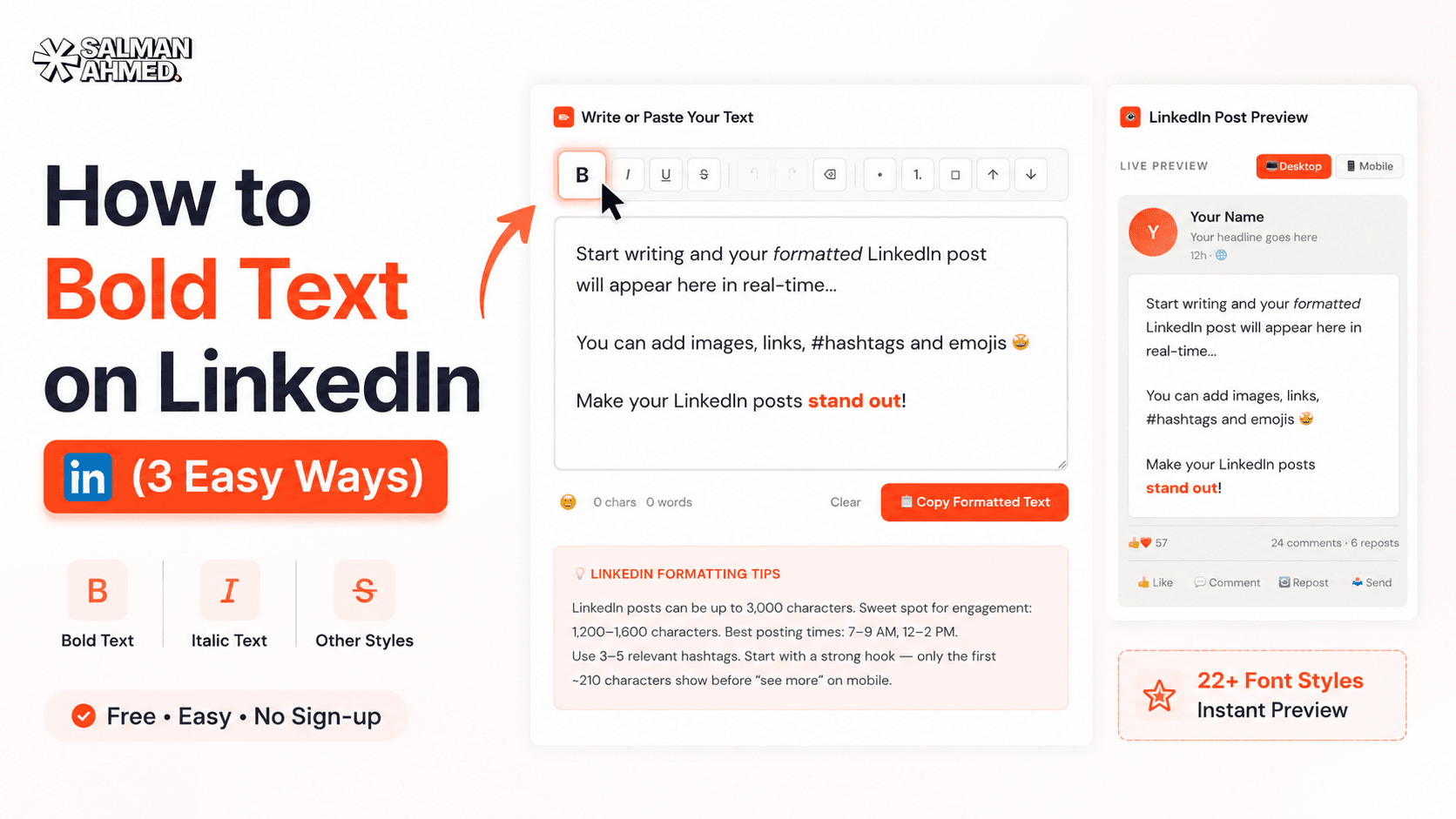
How to Bold Text on LinkedIn (3 Easy Ways)
How to bold text on LinkedIn posts, headlines & comments — the free formatter method, manual Unicode, and why Word doesn't work. Plus the mistakes that hurt your reach.
6 min read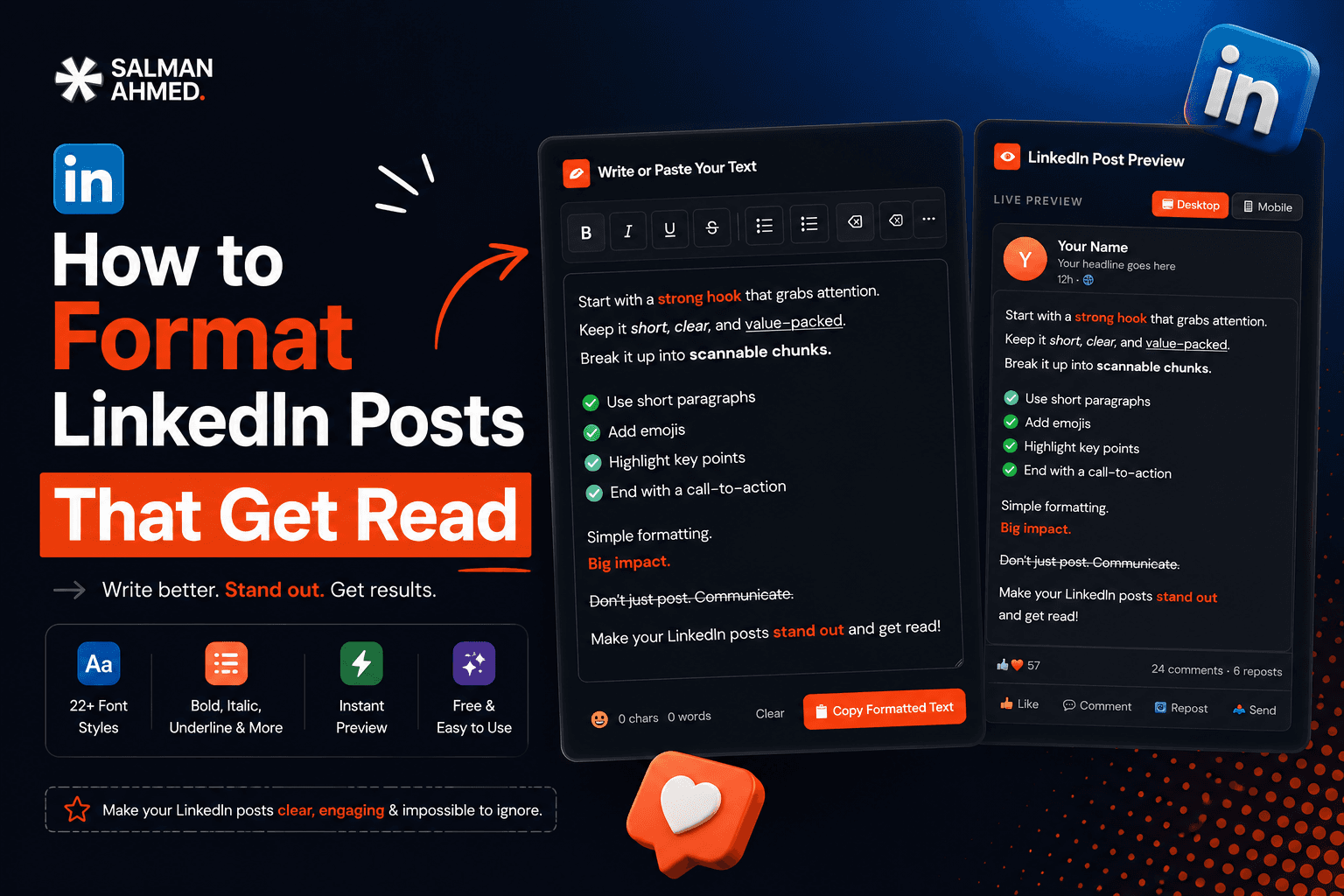 LinkedIn
How to Format LinkedIn Posts That Get Read
How to format LinkedIn posts for maximum readability — the ~210-character hook window, whitespace, Unicode bold, bullets, hashtags & a before/after example. Free tool included.
7 min readFrequently Asked Questions
What is the LinkedIn post character limit?
A LinkedIn post can be up to 3,000 characters. Only about the first 210 characters show on desktop (≈140 on mobile) before the “…see more” link, so lead with a strong hook.
What is the LinkedIn headline character limit?
Your LinkedIn headline can be up to 220 characters. Only about 60–70 characters are visible in search results and previews, so put the most important words first.
What is the LinkedIn About section character limit?
The About / Summary section allows up to 2,600 characters, but only about 300 show before “…see more.” Open with your strongest sentence.
How many characters is a LinkedIn connection request note?
A personalized connection request note allows up to 300 characters. Short, specific notes get accepted more often.
Does this counter work for comments, InMail, and company pages?
Yes. Pick the field and the counter switches to its real limit — comments (1,250), InMail body (2,000), company tagline (120), poll question (140), and more.
Is this LinkedIn character counter free?
Yes — 100% free, no sign-up, no limits. Your text stays in your browser (it's never sent anywhere).
How is a character counted — do emojis count as one?
We count Unicode characters, so an emoji counts as one character (matching how LinkedIn's limit behaves for most emoji). Spaces and line breaks count too.
More free tools
Built to help you ship faster — all free, no sign-up.
WordPress Cost Calculator
Answer 5 quick questions and get an instant, honest price range for your WordPress website — built from my real, published pricing. Live estimate, full breakdown, no sign-up.
LinkedIn Text Formatter
Turn plain text into bold, italic, and stylish Unicode fonts that stand out in the LinkedIn feed. Live preview, one-click copy — no sign-up.
LinkedIn Post Preview
See exactly how your post will look in the LinkedIn feed before you publish — desktop, tablet & mobile, with your photo, an image and the “…see more” cut. Download it as an image. No sign-up.
LinkedIn Hashtag Generator
Enter a topic or paste your post and get relevant LinkedIn hashtags grouped by reach — mix broad and niche for the best of both. One-click copy, no sign-up.
Sticky Notes for Chrome
Drop draggable sticky notes on top of any webpage — like real Post-its for your browser. Notes persist between sessions and stay out of your way.

Need a website that works as hard as this tool?
I build fast, conversion-focused WordPress sites that turn visitors into clients. If this free tool helped, let's build something for your business.