
Free LinkedIn Hashtag Generator
Get relevant LinkedIn hashtags for any topic or post — grouped by reach so you can mix broad and niche for the best of both. Instant, private, no sign-up.
Suggested hashtags
Based on: Content & Personal Brand, Leadership & Management, Marketing. Click to add — aim for 3–5 across tiers.
How to Use the LinkedIn Hashtag Generator
Find and mix the right hashtags in 3 steps.
Enter a topic or post
Type a keyword like “WordPress web design”, or paste your whole post and let the tool read the topic.
Pick a balanced mix
Choose 3–5 hashtags across Broad, Popular and Niche tiers — broad for reach, niche for targeted, engaged audiences.
Copy & paste
Copy your set and paste it at the end of your LinkedIn post, so your hook stays clean up top.
Best LinkedIn Hashtags by Topic (2026)
The best LinkedIn hashtag strategy mixes reach and relevance: a couple of broad hashtags (millions of followers) for visibility, plus a few niche ones that reach a smaller but more engaged audience. Stick to 3–5 per post and place them at the end. Here are strong starting sets by topic.
Best LinkedIn hashtags for Marketing
#Marketing #DigitalMarketing #ContentMarketing #MarketingStrategy #SocialMediaMarketing #SEO #GrowthMarketing #InboundMarketing #EmailMarketing
Best LinkedIn hashtags for Sales
#Sales #B2BSales #SalesTips #LeadGeneration #SalesStrategy #SalesEnablement #ColdCalling #SocialSelling
Best LinkedIn hashtags for Web / Software Development
#Technology #WebDevelopment #SoftwareDevelopment #Coding #Programming #WebDev #JavaScript #FullStackDeveloper #DevCommunity
Best LinkedIn hashtags for WordPress & Web Design
#WordPress #WebDesign #WordPressDeveloper #Elementor #WooCommerce #WebDesigner #WordPressDesign #WebsiteDesign
Best LinkedIn hashtags for Design / UX
#Design #UXDesign #UIDesign #GraphicDesign #ProductDesign #UserExperience #DesignThinking #UXUI
Best LinkedIn hashtags for HR & Recruiting
#HumanResources #Recruiting #Hiring #TalentAcquisition #FutureOfWork #EmployeeEngagement #HRTech #PeopleOps
Best LinkedIn hashtags for Startups & Entrepreneurship
#Entrepreneurship #Startups #Entrepreneur #SmallBusiness #StartupLife #Founders #VentureCapital #BuildInPublic
Best LinkedIn hashtags for AI & Data
#ArtificialIntelligence #Innovation #AI #MachineLearning #DataScience #GenerativeAI #DataAnalytics #DeepLearning
How many hashtags should you use?
LinkedIn works best with a small, focused set — 3 to 5 hashtags. More than that looks spammy and can dilute reach. Keep important keywords in your actual copy, and use hashtags to categorize the post and reach hashtag followers.
Related reading
Go deeper on formatting posts that actually get read.
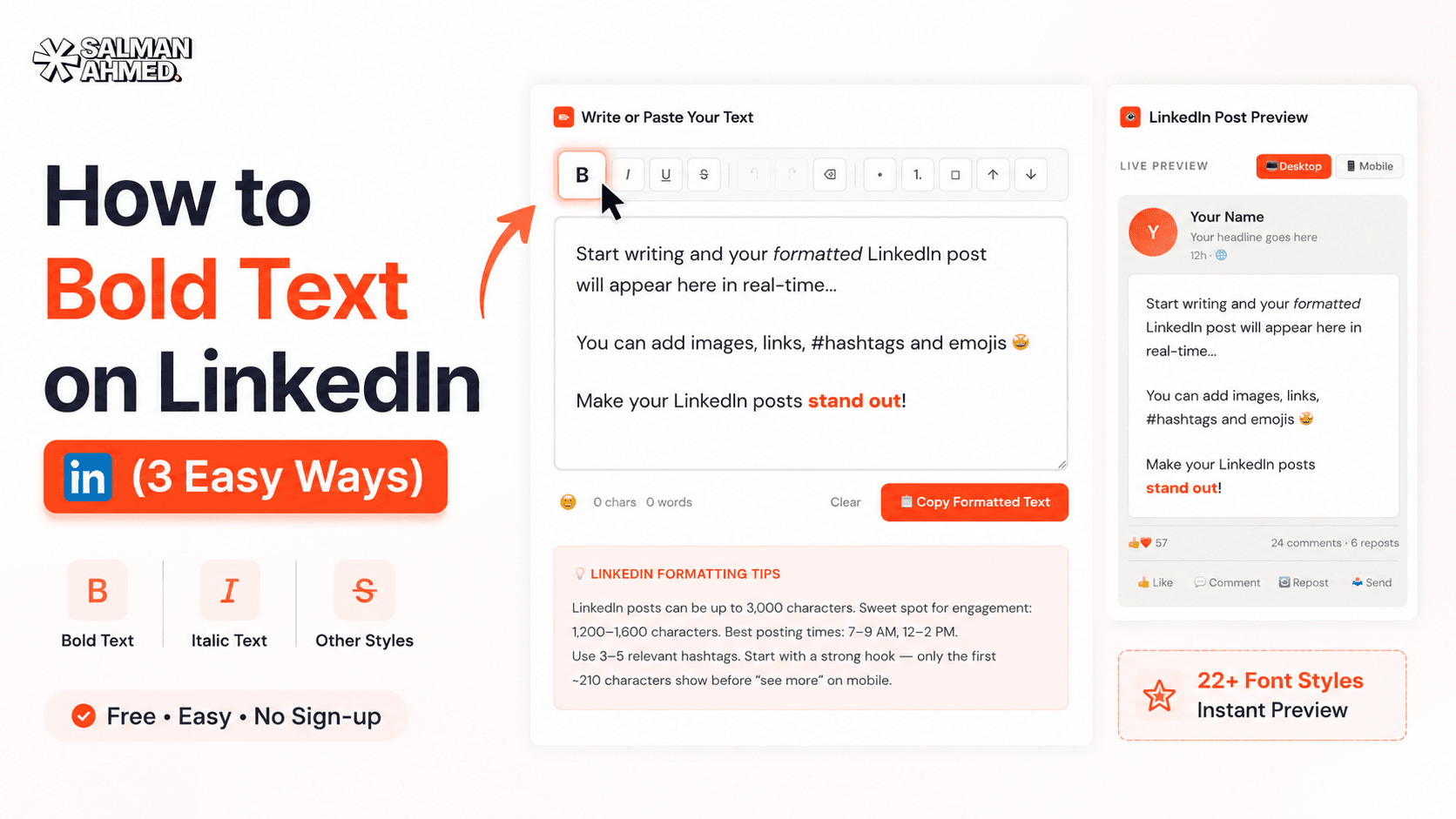 LinkedIn
How to Bold Text on LinkedIn (3 Easy Ways)
How to bold text on LinkedIn posts, headlines & comments — the free formatter method, manual Unicode, and why Word doesn't work. Plus the mistakes that hurt your reach.
6 min read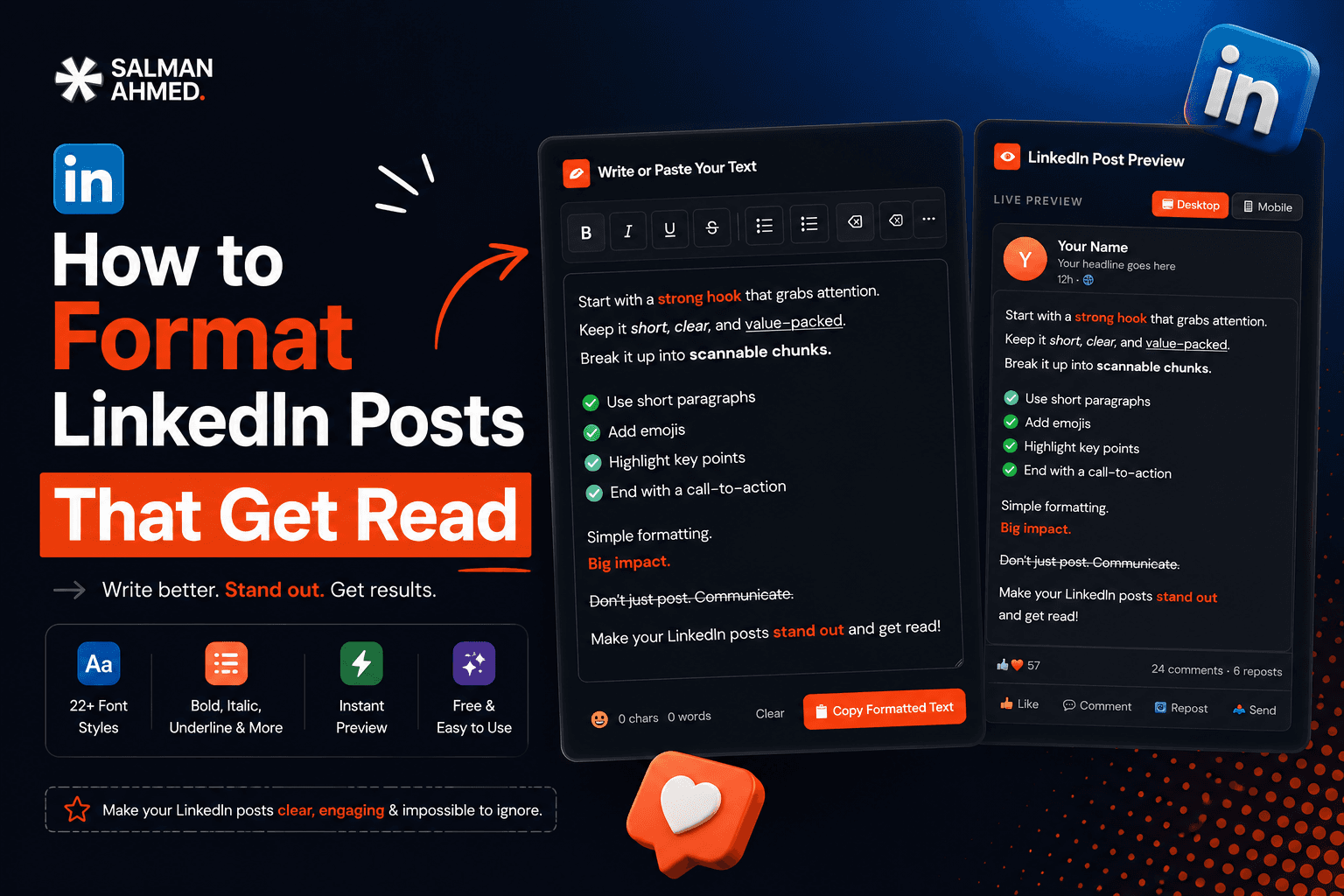 LinkedIn
How to Format LinkedIn Posts That Get Read
How to format LinkedIn posts for maximum readability — the ~210-character hook window, whitespace, Unicode bold, bullets, hashtags & a before/after example. Free tool included.
7 min readFrequently Asked Questions
How does this LinkedIn hashtag generator work?
Enter a topic or paste your post, and the tool matches it to curated hashtag sets and returns relevant tags grouped by reach tier — no AI black box, no sign-up. Everything runs in your browser.
How many hashtags should I use on LinkedIn?
3–5 per post is the sweet spot. Mix a couple of broad hashtags for reach with a few niche ones for a targeted, engaged audience, and place them at the end of your post.
What are broad vs. niche hashtags?
Broad hashtags (like #Marketing or #Leadership) have millions of followers and maximum reach but heavy competition. Niche hashtags reach a smaller, more relevant audience with less competition. A mix of both performs best.
Where should I put hashtags in a LinkedIn post?
At the end of the post. That keeps your hook — the first ~210 characters that show before “…see more” — clean and focused.
Is this hashtag generator free?
Yes — 100% free, no sign-up, no limits. Your input never leaves your browser.
Do hashtags still work on LinkedIn in 2026?
Yes. Hashtags still categorize your post and surface it to people following that hashtag. They're one signal among many — pair them with a strong hook and genuinely useful content.
More free tools
Built to help you ship faster — all free, no sign-up.
WordPress Cost Calculator
Answer 5 quick questions and get an instant, honest price range for your WordPress website — built from my real, published pricing. Live estimate, full breakdown, no sign-up.
LinkedIn Text Formatter
Turn plain text into bold, italic, and stylish Unicode fonts that stand out in the LinkedIn feed. Live preview, one-click copy — no sign-up.
LinkedIn Character Counter
Count your text against the real limit for every LinkedIn field — post, headline, About, comment, connection note and more. Live count, over-limit warning, and the “…see more” hook preview. No sign-up.
LinkedIn Post Preview
See exactly how your post will look in the LinkedIn feed before you publish — desktop, tablet & mobile, with your photo, an image and the “…see more” cut. Download it as an image. No sign-up.
Sticky Notes for Chrome
Drop draggable sticky notes on top of any webpage — like real Post-its for your browser. Notes persist between sessions and stay out of your way.

Need a website that works as hard as this tool?
I build fast, conversion-focused WordPress sites that turn visitors into clients. If this free tool helped, let's build something for your business.