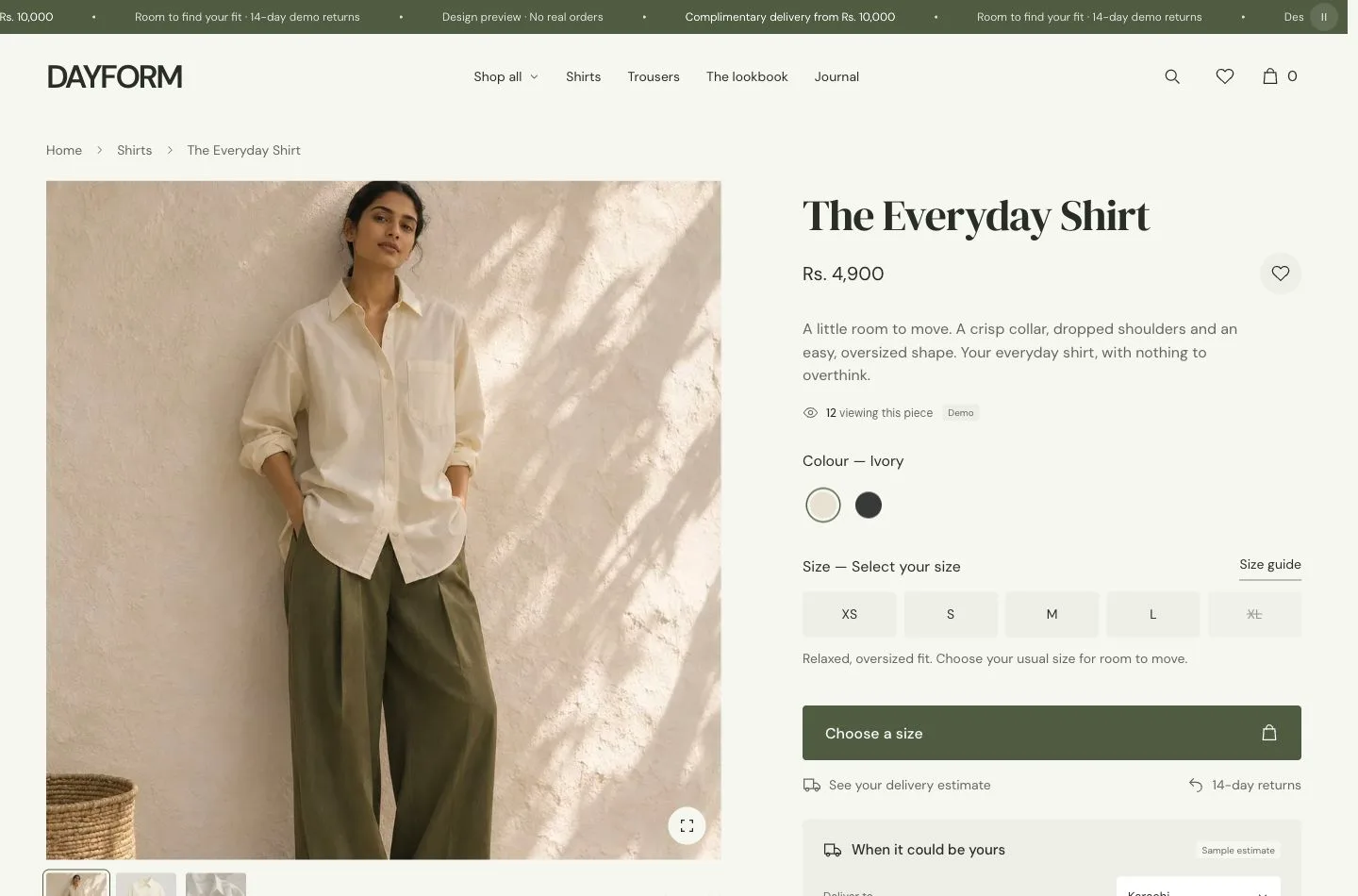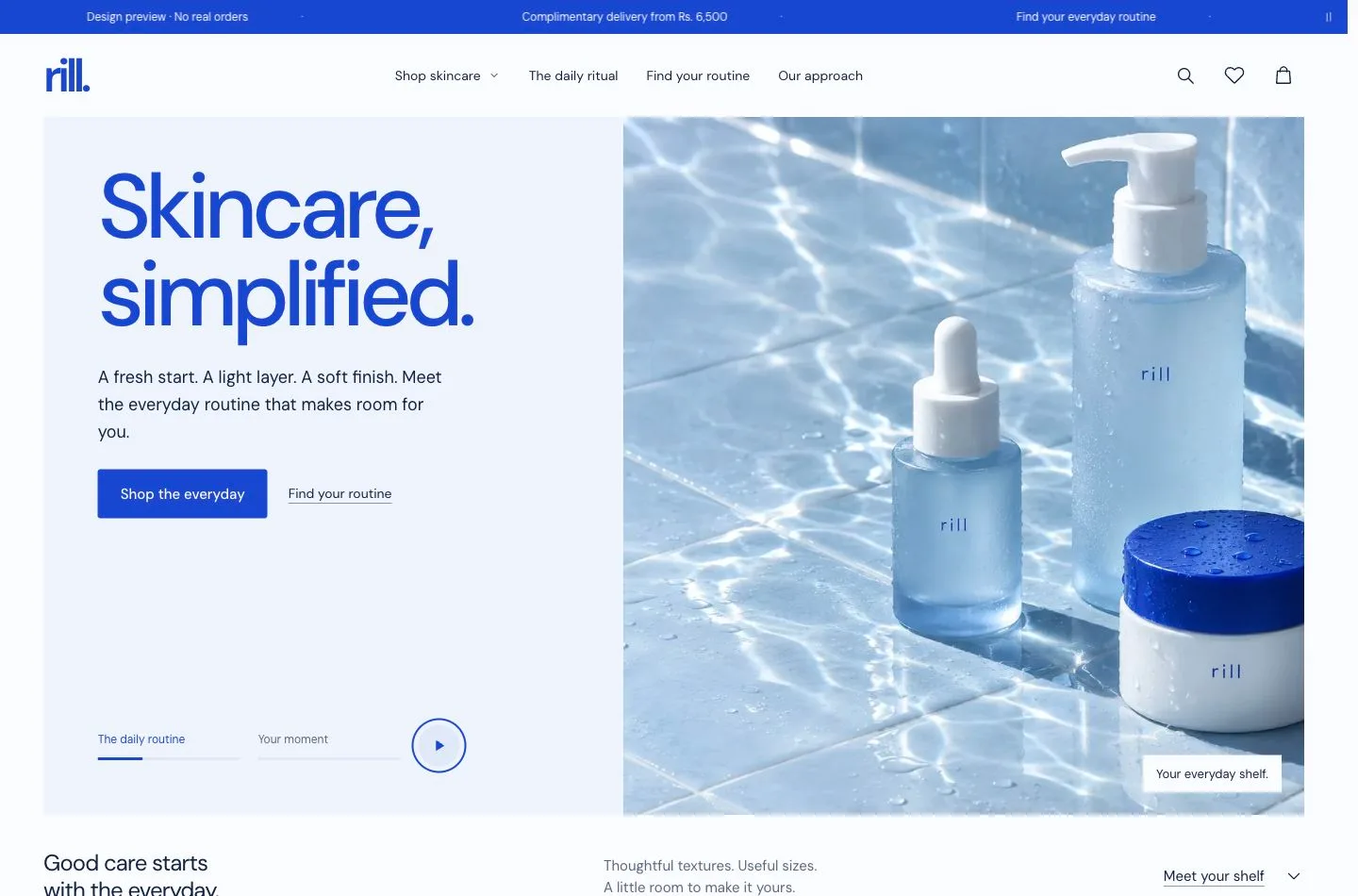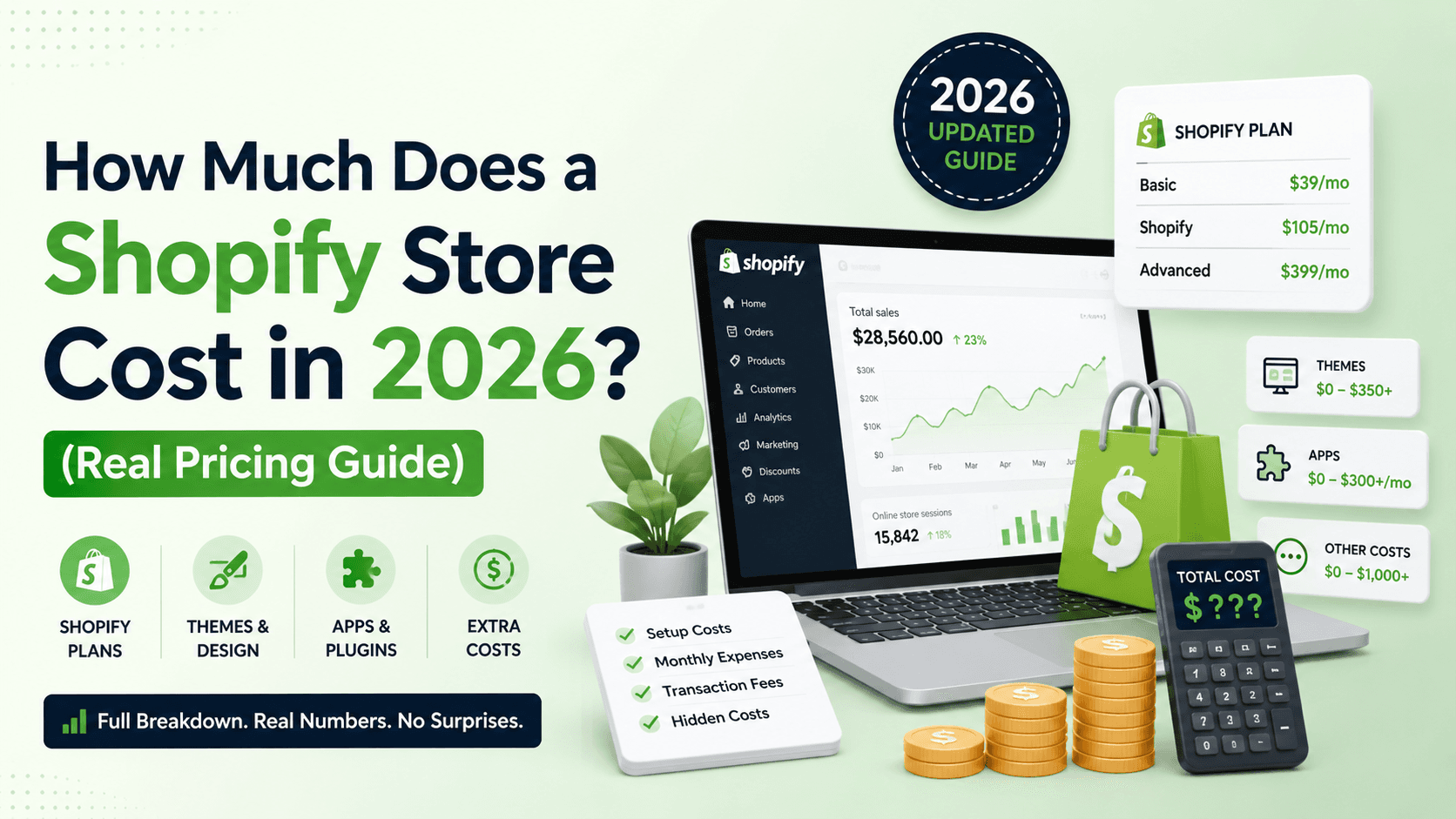
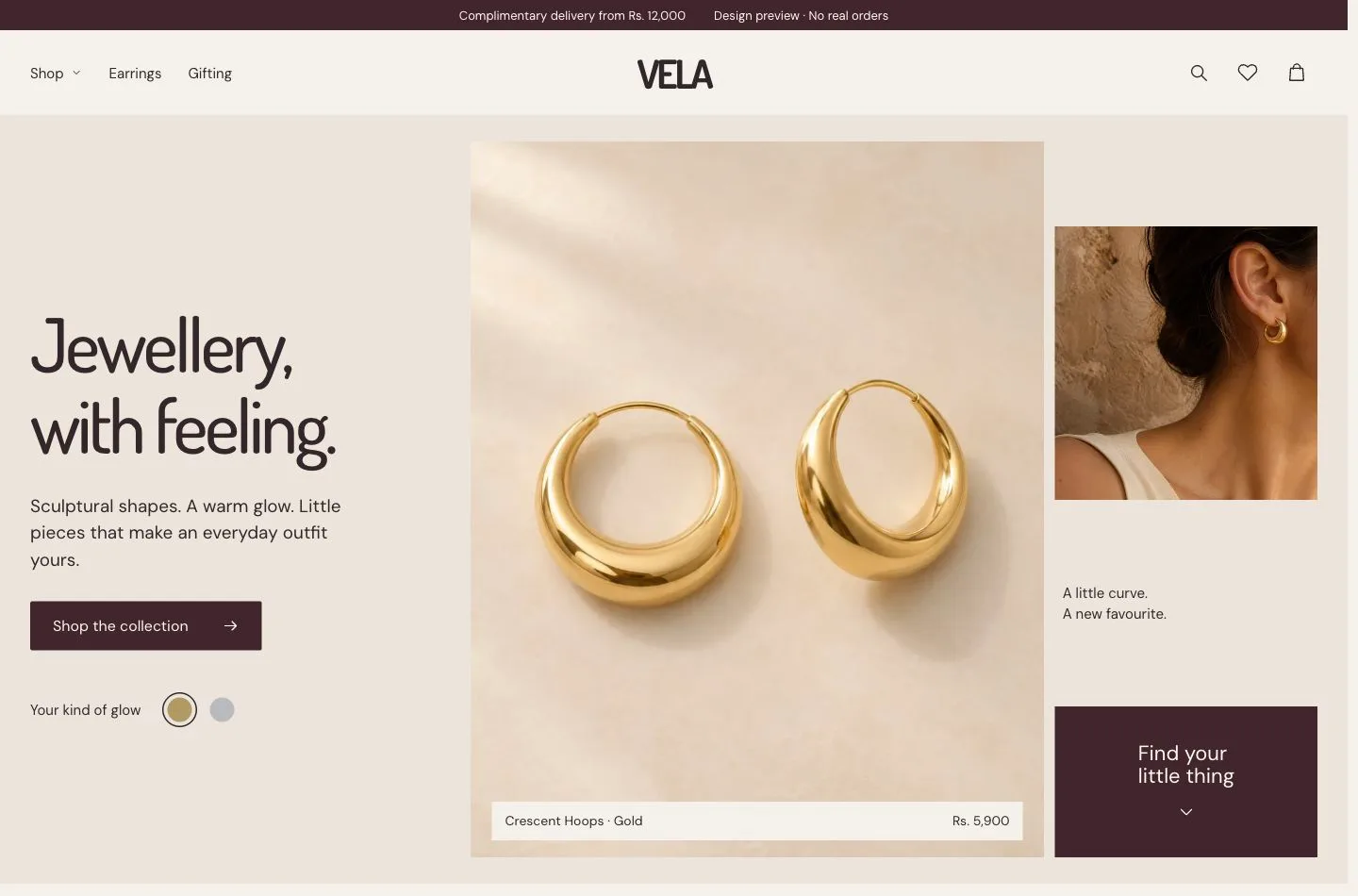

A paid Shopify theme is worth considering when its tested features, editing controls or support solve a specific problem that your free option does not. It is not automatically faster, better for SEO or more profitable. If a free theme handles your catalogue and you can maintain it, there is no need to pay just to launch.
I develop Shopify stores and sell DAYFORM, VELA and RILL directly. I have a commercial interest in paid themes, so I will make the comparison explicit: the useful question is what your chosen theme saves or enables for your store, after allowing for setup, apps and maintenance.
Compare the actual options
On a small screen, swipe the table sideways to see every column.
| Decision | Free theme | Paid theme |
|---|---|---|
| Theme purchase | No theme licence fee for Shopify’s free collection. | Use the seller’s current price, tax and licence terms. |
| Layout and features | Check the particular theme. Free does not mean an empty feature set. | Check the demo and editor. A long feature list is not proof you will use it. |
| Setup | You still supply products, media, copy, menus and policies. | You still supply the same content unless a setup service expressly includes it. |
| Support | Shopify’s documented support scope applies to its themes. | The developer’s support scope and sales channel matter. |
| Performance | Test with your images and apps. | Run the same test. Price is not a speed benchmark. |
| Updates | Check how your customisations will be maintained. | Check eligibility, delivery and whether custom code needs manual work. |
Shopify explains the different support responsibilities in its theme support guide. Ask who will help with installation, a theme bug, a third-party app conflict and a custom design request. These are four different jobs.
Write a short requirements list
For an apparel store, my list starts with size selection, a usable size guide, colour media and a cart that shows the chosen variant clearly. For jewellery, I would add dimensions, materials and care information. For skincare, I would check ingredient and usage content without inventing health claims. The niche changes the information you need, not just the colours of the homepage.
Mark each requirement as essential, useful or unnecessary. If you cannot name a missing essential feature, keep testing the free option. If a paid theme includes it, check the behaviour rather than relying on a marketing label. A “bundle” can mean a grouped purchase button, a discount offer or shared inventory; they are not interchangeable.
In our themes, the grouped purchase flow lets a customer select product variants before adding them together. That does not replace subscription logic, a bundle inventory system or every upsell app. State the requirement precisely before deciding an app can be removed.
Compare a year of costs
Use this calculation for each candidate: theme licence + required setup + twelve months of genuinely necessary apps + expected maintenance. Keep the Shopify plan and payment costs visible in your overall budget, even when they are the same for both theme choices.
Here is an illustration, not a vendor quote: a $120 theme that replaces an equivalent $10/month app reaches the same direct cost after twelve months. That comparison fails if you still need the app, the theme adds setup work, or the app supplies functionality the theme cannot provide. Your time also has a cost, but use your own estimate rather than a made-up industry average.
A separate example from our catalogue: one theme’s standard price is $59 before any applicable tax; current offers are shown on the theme catalogue. Full store setup is not included in that licence price. My scoped Shopify development projects start at $1,200, and smaller setup requests are quoted separately. Those are different purchases.
Understand where you buy
The Shopify Theme Store and an independent developer’s website are different sales channels. Shopify documents trials and purchasing for its Theme Store, as well as uploading an independently supplied ZIP, in its adding themes guide. Do not assume a direct download includes the Theme Store’s trial, update or support workflow.
DAYFORM, VELA and RILL are direct-sale themes, not Shopify Theme Store listings. Our published offer includes one production-store licence per theme, a private staging allowance, setup guides, 60 days of installation and theme-bug guidance, and any v1.x updates released. Read the current licence and support terms for the complete scope, refund conditions and exclusions.
Before buying from any seller, check that you can identify the developer, see the installation instructions, understand image and font rights, and find a support route. Ask how updates reach you and how custom edits are retained. A cheap purchase becomes expensive if no one can explain what you received.
Test before committing
- Open the demo on mobile and complete a product-to-cart journey.
- Try variant changes, sold-out items, quantity changes and an empty cart.
- Ask to see the editor controls for a page you will maintain regularly.
- Check your required apps, languages, markets and product types.
- Review the support and update scope, then calculate the total budget.
A storefront theme does not replace Shopify’s payment eligibility checks or unlock every checkout customisation. Your plan and installed extensions affect what can change at checkout. Confirm those requirements independently of a theme’s visual demo.
Choose the free theme if it passes the checks and you are comfortable setting it up. Choose a paid theme when you can point to a specific, verified benefit. Commission custom work when neither covers the brief. For the complete spending picture, read how much a Shopify store costs. If you already have a live store, use the theme-switch checklist before changing it.