
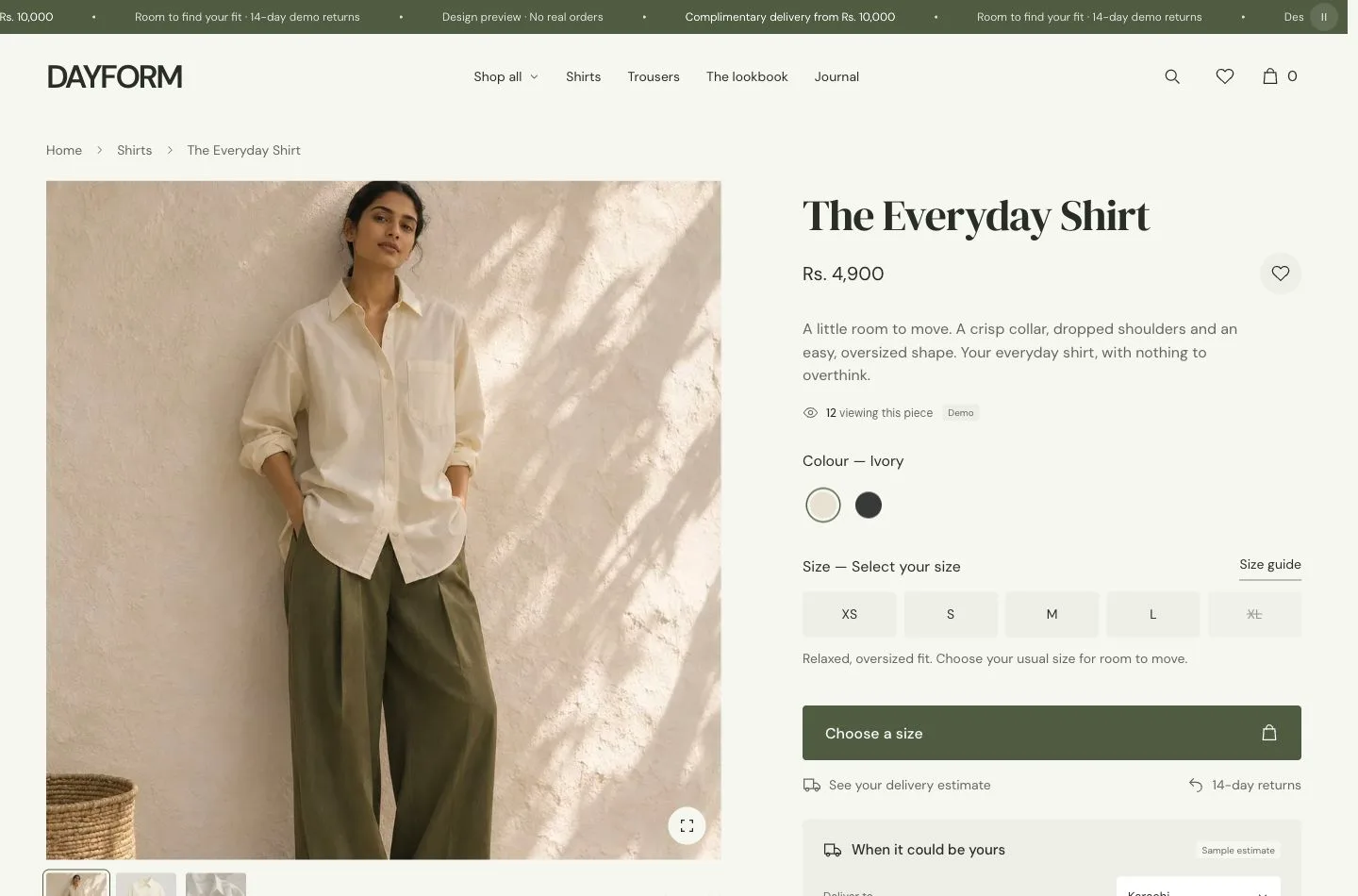

A Shopify theme for a clothing store needs to make choosing a garment easy: customers should understand the fit, select the right colour and size, and check delivery and returns before adding it to their bag. Start there. A strong campaign image can attract attention, but it cannot answer those product questions.
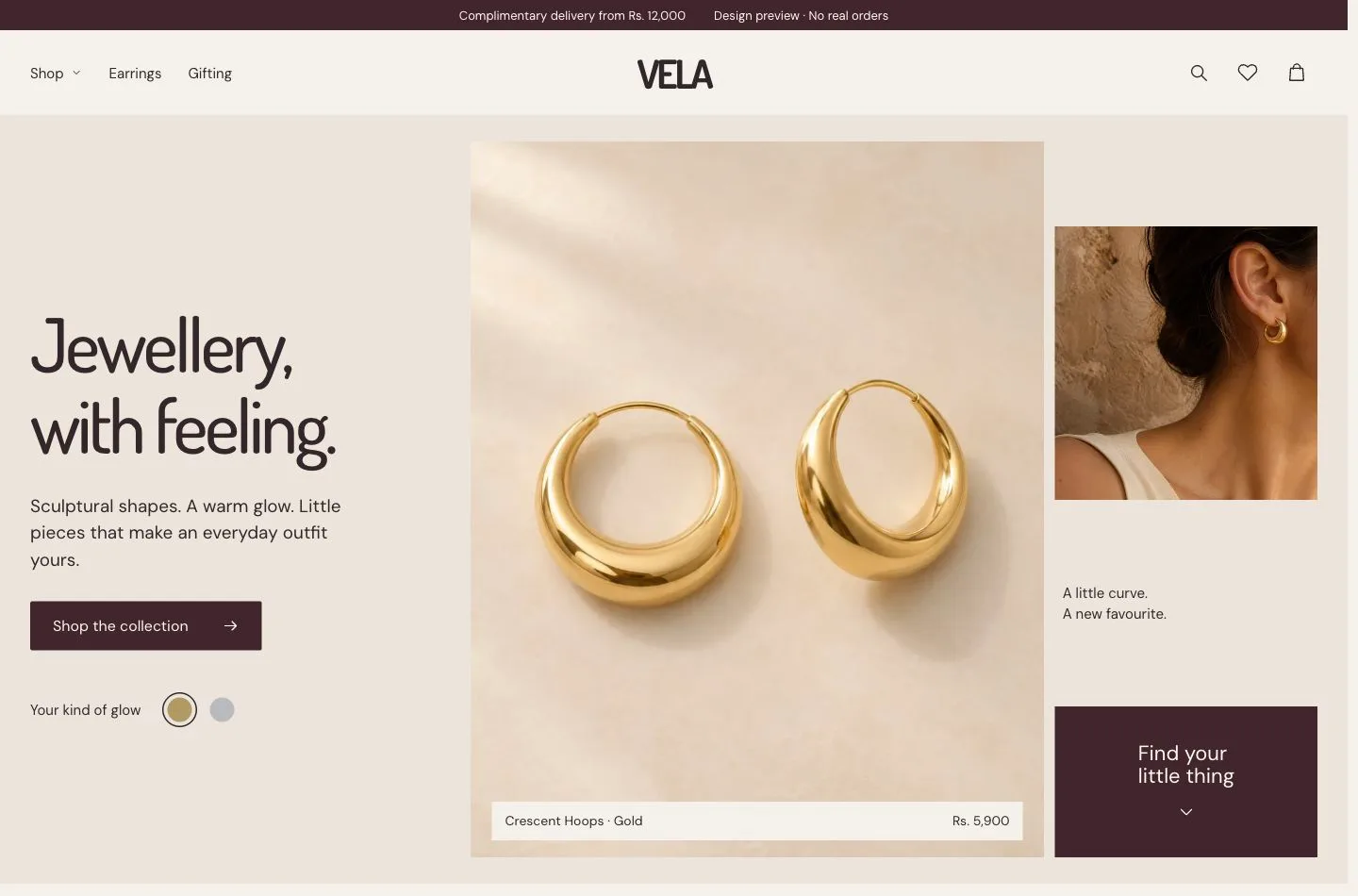
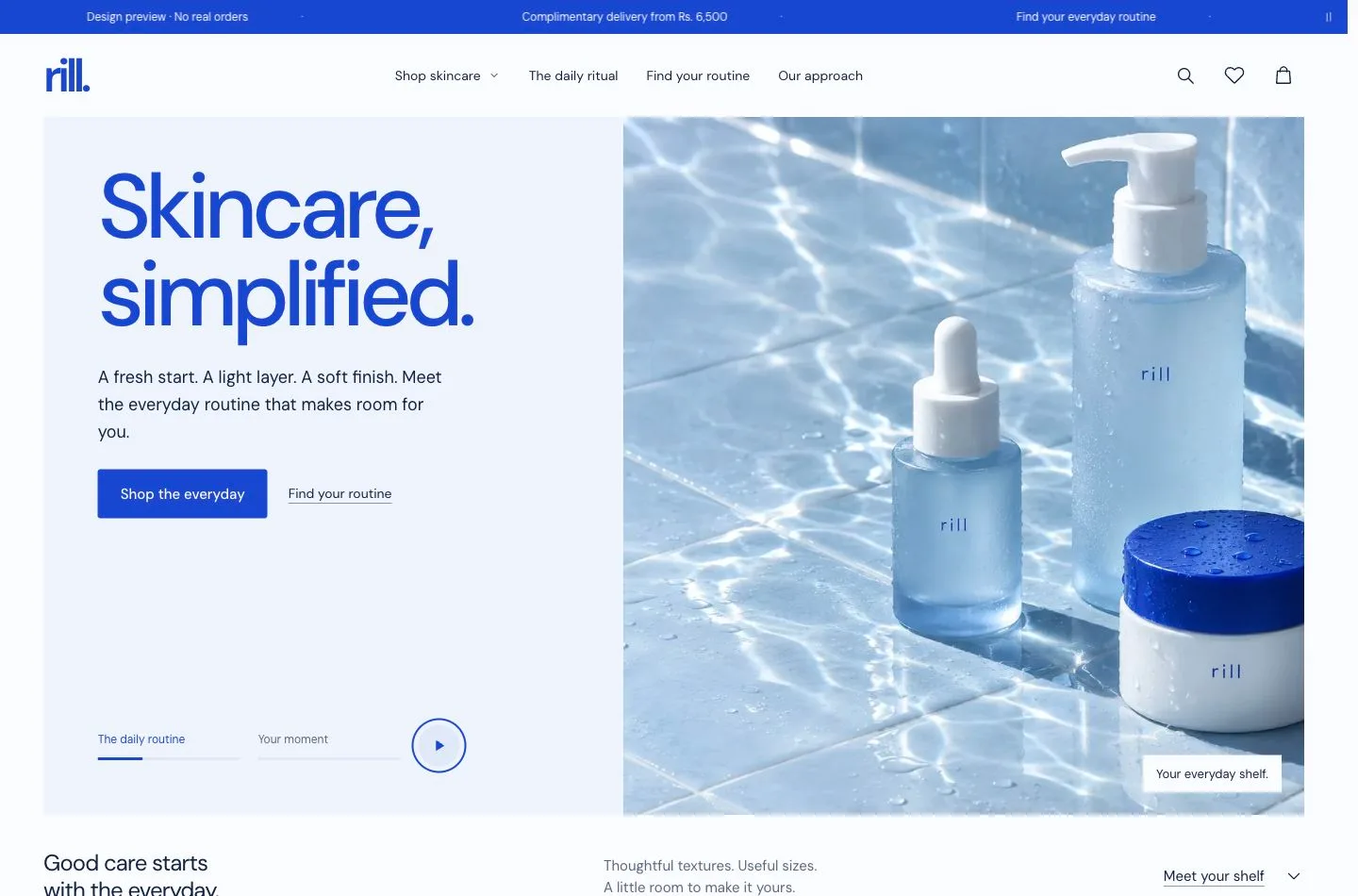
I built DAYFORM, an apparel theme, alongside VELA for jewellery and RILL for skincare. This guide uses decisions from that work to show what I would check before buying a clothing-store theme. Disclosure: I sell these themes. This is a buying checklist with a DAYFORM example, not an independent ranking of the market or a claim of measured sales uplift.
Start with a real garment
Choose your most complicated product, not the simplest one. A shirt with two colours, five sizes, one sold-out combination and different photos for each colour makes a useful test. If you sell made-to-order clothing, also write down the production time and any customisation choices. The theme must communicate your actual offer.
Before comparing demos, prepare one product’s photos, measurements, fabric composition, care instructions, price and return conditions. A theme that looks good with the seller’s photography may behave differently with your square supplier photos or longer product titles. Ask to see the product page, collection and cart on a phone.
On a small screen, swipe the table sideways to see every column.
| Shopper’s question | Useful content | Check in the demo |
|---|---|---|
| Will this fit? | Garment measurements, fit notes and relevant model information. | The size guide is easy to find, open and read on mobile. |
| Which colour am I buying? | Named swatches and photographs of the actual colour. | Selected option, image and cart variant agree. |
| When will it arrive? | Real production and delivery guidance for the destination. | The message matches the shipping offer and its exclusions. |
| Can I return it? | Your actual return conditions and any product exceptions. | A clear policy link is available before purchase. |
Test the size decision
In DAYFORM, the optional size-choice setting asks shoppers to make a deliberate selection when a product has multiple sizes. That is a design choice, not proof that it increases conversion. It helps make the selected variant explicit before an item is added.
- Selection: can you tell which size and colour are selected without relying only on a colour change?
- Availability: does a sold-out combination disable purchase and explain why?
- Fit: is the size guide close to the selector, and can you read the measurements without zooming?
- Media: does changing colour show the right garment photographs?
- Confirmation: does the cart show the same colour, size and quantity you chose?
Use garment measurements that you have checked. “True to size” on its own gives a first-time customer little to work with. If you show a model’s height and worn size, use the actual shoot information.
Check the whole mobile journey
Open the menu, enter a collection, view a product, select a variant and open the bag. Then try the same path with a long product title and an item that is unavailable. Look for text that gets cut off and controls hidden behind a cookie notice or a sticky purchase bar.
The sticky add-to-cart control should reflect the product’s current selection. It should not cover the size selector, chat button or checkout action. Quick view should let customers close it easily and return to the same place in the collection. Also test keyboard navigation: visible focus and a working Escape key make drawers easier to use.
A responsive screenshot is only one check. Test the store with your photos, apps and scripts installed. A theme-demo speed score does not predict your finished store’s speed, and neither a speed score nor an attractive layout guarantees orders.
Make the bag understandable
The bag is where a shopper checks the decision. Product images, variants, quantities and totals should agree. Try adding the same item twice, changing a quantity, removing a line, and recovering from a failed request. The interface should explain an error rather than showing a success message for an item that was never added.
A free-shipping progress bar is useful only when it matches the shipping offer. Configure the real rate and eligibility in Shopify, then align the theme’s threshold and currency. A message in the cart does not create a shipping rate. Test exclusions and discounts too.
For a “complete the look” section, let customers choose a size for each garment. DAYFORM’s grouped add-to-cart flow adds selected variants together. It is not an inventory-linked Shopify Bundles product, and it does not create an automatic discount. Those requirements need separate configuration and compatibility checks.
Look inside the editor
Before buying, ask the seller to show how you would change a collection, remove a section, add fit information and adjust mobile spacing. A list of twenty sections is less useful than knowing which ones work on your product template.
- Can size guides and delivery information vary where your products need different details?
- Can you change the header menu, collection links and footer without editing code?
- Can you remove promotional elements instead of leaving empty gaps?
- Are desktop and mobile spacing controls available where you need them?
- Who maintains custom code when the theme gets an update?
Our theme setup guide explains installation and customisation. Our demo photography and products are not supplied as a ready-made clothing business: you add your own catalogue, licensed images and policies.
Shortlist by fit, not price
Start with Shopify’s free theme collection if it covers your requirements. Compare the exact version and required features, rather than assuming that all free themes lack features or that every paid theme is faster. Shopify’s theme guide is another place to explore alternatives by store type.
Preview DAYFORM if you want to examine our apparel layout. It is sold directly by me and is not a Shopify Theme Store listing. Check the current price, licence and support terms before purchase. For subscriptions, B2B, multilingual selling or specialist apps, confirm compatibility with the seller before committing.
If the design fits but you need someone to configure it, compare theme setup and custom development. You can also read free versus paid Shopify themes and the store budget breakdown before choosing. The right purchase is the one that covers your actual catalogue and leaves enough budget for product content, launch checks and marketing.