

The Short Answer: WordPress Maintenance Costs in 2026
WordPress maintenance costs anywhere from a few dollars a month (doing it yourself) to $500+ a month (a full-service agency). Here's the honest overview before we break it down:| Option | Monthly Cost | What You Actually Get |
|---|---|---|
|
DIY (plugins + your time) |
$5 – $30 |
Backup/security plugins — and every problem is yours to solve, usually at the worst possible time |
|
Freelance developer plans |
$50 – $250 |
Updates, backups, monitoring, and a real person who fixes things (my plans: $99–$399) |
|
Agency care plans |
$150 – $500+ |
The same work, plus an account manager and agency overhead built into the price |
|
Enterprise / WooCommerce-critical |
$500 – $2,000+ |
SLAs, staging environments, dedicated dev time, uptime guarantees |
What You're Actually Paying For
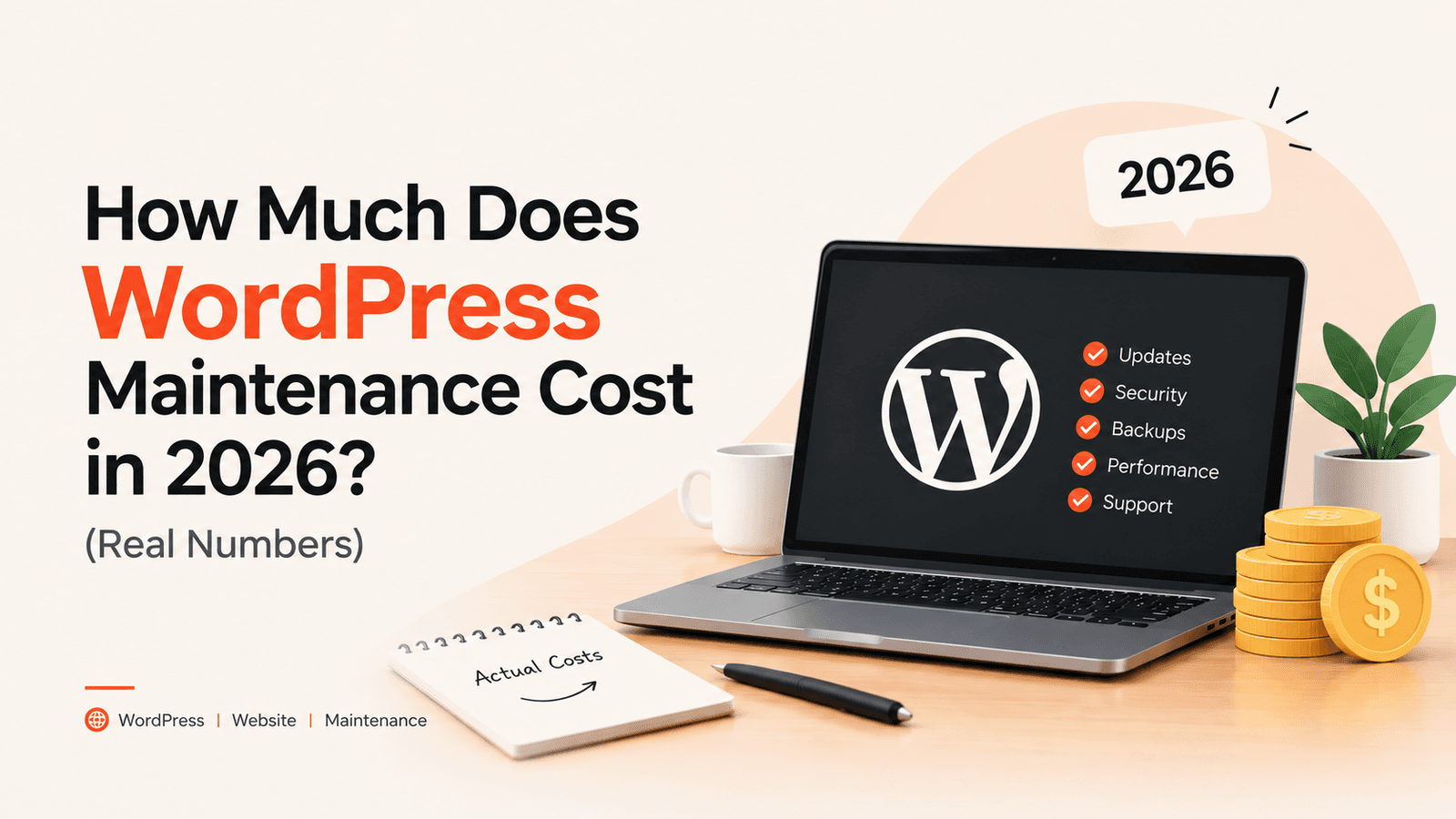
"Maintenance" sounds vague until you list what a neglected site silently needs every month:- Core, theme & plugin updates — WordPress ships security releases constantly. Outdated plugins are the #1 way sites get hacked, and updates sometimes break things, which is why "just click update" isn't a strategy.
- Off-site backups — daily copies of your site stored away from your hosting, so a bad update, a hack, or a hosting failure means rolling back to yesterday instead of starting over.
- Security monitoring — malware scanning, firewall rules, login protection, and someone who notices the 3 a.m. attack attempt.
- Uptime monitoring — knowing the site is down within minutes, not when a customer emails you.
- Speed & health checks — PageSpeed drifts as plugins accumulate; forms and checkouts silently break after updates more often than anyone admits.
- Support & small fixes — the "can you change this section" and "the contact form stopped working" requests that otherwise sit broken for weeks.
The Real Cost of NOT Maintaining Your Site
This is the number nobody puts on their pricing page. Skipping maintenance doesn't make the cost zero — it makes it unpredictable:- Emergency developer rates run $80–$300/hour. The same fix that's included in a $99/month plan costs multiples of that when it's urgent, on a weekend, from someone who's never seen your site.
- Hacked-site cleanup routinely costs $500–$1,500+ — plus the days of downtime, the blacklisted domain, and the "this site may be hacked" warning in Google while it's sorted out.
- A broken checkout is invisible revenue loss. WooCommerce stores regularly lose days of orders to a plugin conflict nobody caught because nobody was testing after updates.
- Google notices neglect. Slow, insecure, or intermittently-down sites lose rankings — and recovering rankings costs far more than keeping them.
DIY vs Freelancer vs Agency: The Honest Comparison
DIY ($5–$30/month in plugins) works if your site is a hobby, you enjoy the tinkering, and downtime costs you nothing. The real price is your time and the risk that you find out about problems from customers. If your site brings in business, you've outgrown DIY.A freelance developer's plan ($50–$250/month) is the sweet spot for most small businesses. You get the same core work an agency does — updates, backups, monitoring, fixes — from the person who actually does it. No account manager translating your requests, no markup for the office. The catch: quality varies wildly, so judge the person, not the price. Published pricing, response-time promises, and real client work are the signals to look for.
Agencies ($150–$500+/month) make sense when you need a team — multiple sites, complex infrastructure, or a company requirement for vendor contracts and SLAs. For a single business site, you're mostly paying for the layer between you and the developer.
Hidden Costs to Watch Out For
Whoever you pick, check what's NOT in the monthly price:- Hosting and domain — almost never included (and shouldn't be: keep those in your own name, always). Budget $10–$40/month for decent hosting separately.
- Premium plugin licences — page builders, form tools and WooCommerce extensions have annual fees ($50–$300/year total is typical). Some providers include their agency licences; ask.
- Big features and redesigns — plans include small fixes and edits, not new booking systems. Anything sizeable is a separate quote; a good provider tells you where the line is before you sign.
- Lock-in tricks — annual contracts, "we own your backups", exit fees. A maintenance plan should be month-to-month, and your data should always be yours.
What I Charge for WordPress Maintenance
My plans are public because pricing pages that say "contact us" are just negotiations you haven't lost yet. All plans are month-to-month — cancel anytime:| Plan | Price | Best For |
|---|---|---|
|
Essential Care |
$99/month |
Brochure & portfolio sites — updates, daily backups, security monitoring, same-day support |
|
Growth Care |
$200/month |
Active business sites — adds 2 hours of dev/content edits, speed tuning, priority WhatsApp support |
|
Managed Care |
$399/month |
Stores & booking sites — 5 dev hours, staging-tested updates, emergency response in hours |