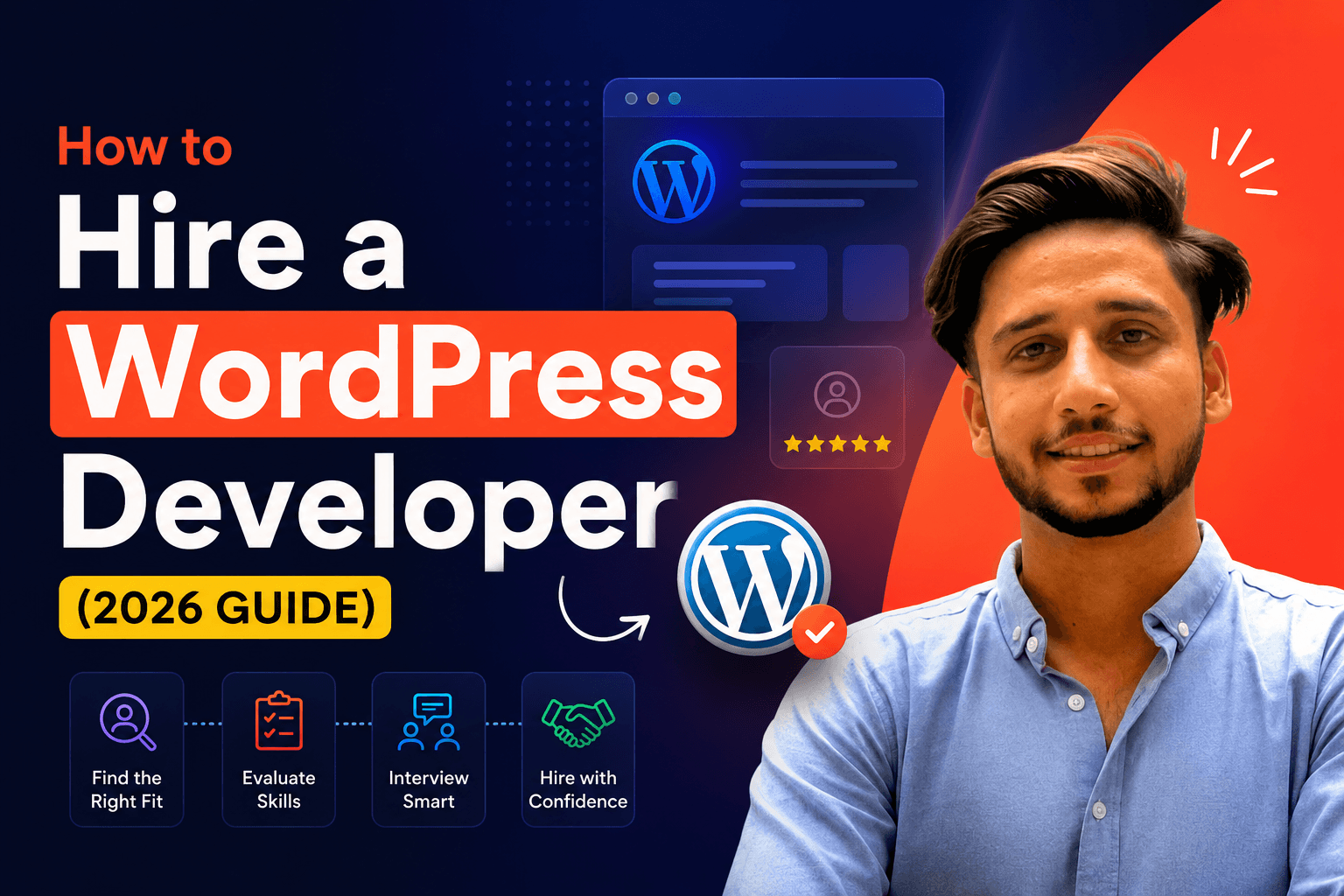


The Short Answer: WordPress Website Pricing in 2026
Here’s a quick overview before we dive into the details:| Website Type | Price Range | Best For |
|---|---|---|
|
Starter Business Website (5–7 pages) |
$800 – $1,500 |
Small businesses, personal brands, service providers |
|
eCommerce Store (WooCommerce or Shopify) |
$2,000 – $5,000+ |
Online stores, product-based businesses |
|
Custom/Complex Website |
$5,000 – $15,000+ |
Membership sites, booking platforms, large-scale builds |
|
US/UK Agency |
$10,000 – $50,000+ |
Enterprise businesses with big budgets |
These are the ranges I see across the industry. My own pricing falls in the freelancer range because you’re working directly with me — no agency overhead, no middlemen.
Want a number for your exact project? Try my free WordPress website cost calculator — answer 5 quick questions and get an instant, honest price range built from the same pricing in this guide.
What Actually Affects the Cost of a WordPress Website?
There’s no one-size-fits-all price because every website is different. Here are the factors that move the number up or down:
1. Number of Pages
A simple 5-page website (Home, About, Services, Portfolio, Contact) is naturally cheaper than a 20-page site with dedicated landing pages, blog sections, and case study pages. More pages mean more design, more content, and more development time.
2. Design Complexity
Do you want a clean, professional layout based on proven conversion patterns? That’s straightforward. Do you want fully custom animations, interactive elements, and a design that’s never been done before? That takes more time and costs more.3. eCommerce Features
Adding an online store (WooCommerce or Shopify) increases cost significantly. Product pages, payment gateway integration, shipping logic, inventory management, and checkout optimization all add complexity. A 10-product store is very different from a 500-product catalog.4. Custom Functionality
Booking systems, membership areas, client portals, custom forms, third-party integrations (CRMs, email marketing, payment processors) — each adds development time. The more custom logic your site needs, the higher the cost. When no existing plugin fits, custom WordPress plugin development is often cheaper long-term than stacking paid plugins that almost work.5. SEO & Speed Optimization
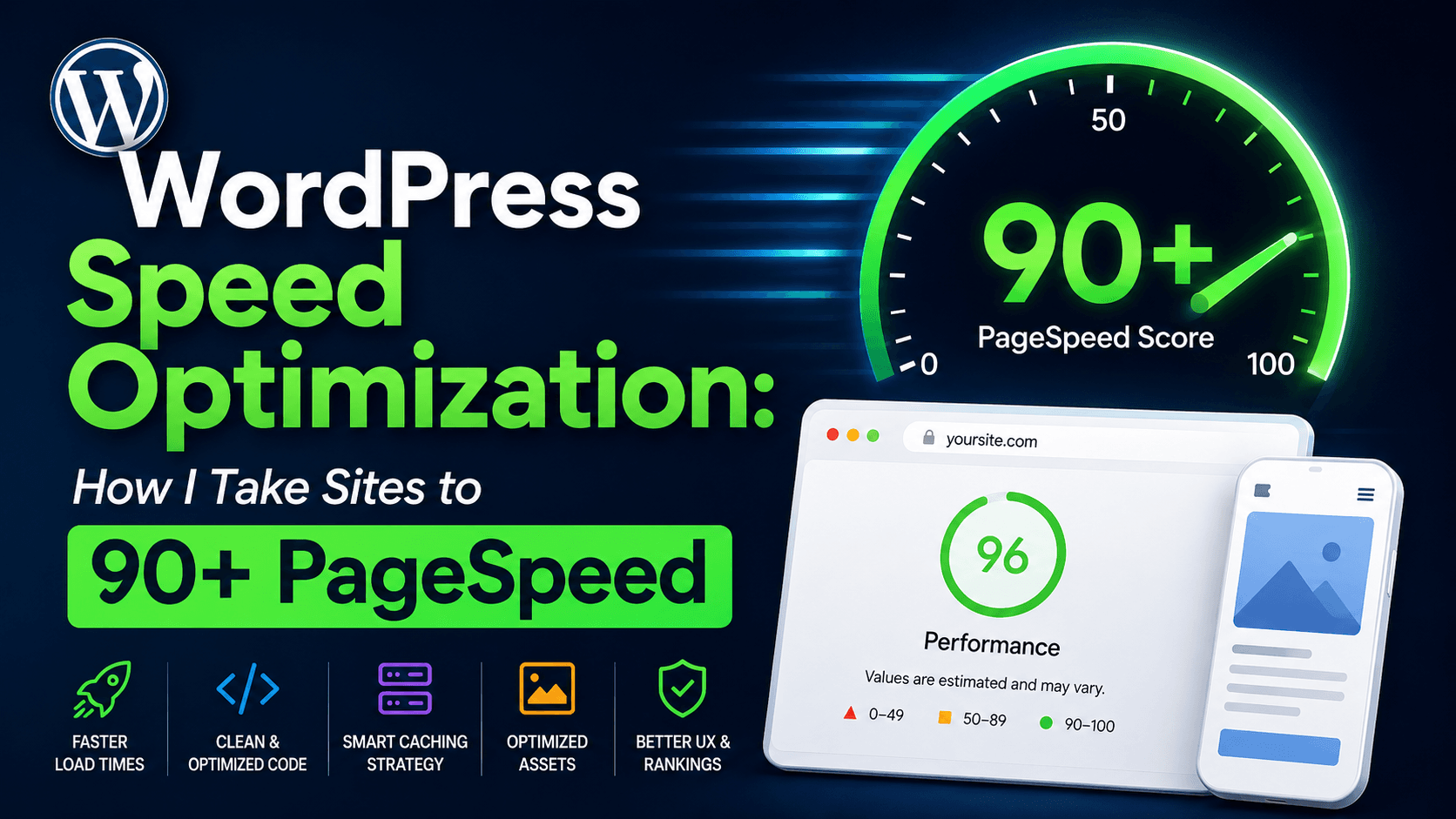
A basic WordPress install won’t rank on Google by itself. Proper SEO setup — schema markup, meta structure, image optimization, page speed targeting 90+ scores — should be included in every build. Some developers charge extra for this. I include it as standard because a website that doesn’t rank is a website that doesn’t work. If your current site is already slow, a dedicated WordPress speed optimization service can take it to 90+ without a full rebuild.6. Content Creation
Some developers build the site but expect you to provide all the copy, images, and content. Others (like me) handle content strategy and can guide you on what to write. If you need professional copywriting or photography, budget extra for that.7. Ongoing Maintenance
Your website isn’t a one-time cost. WordPress needs regular updates, security patches, backups, and occasional fixes. Monthly maintenance typically runs $100–$400/month depending on the level of support you need.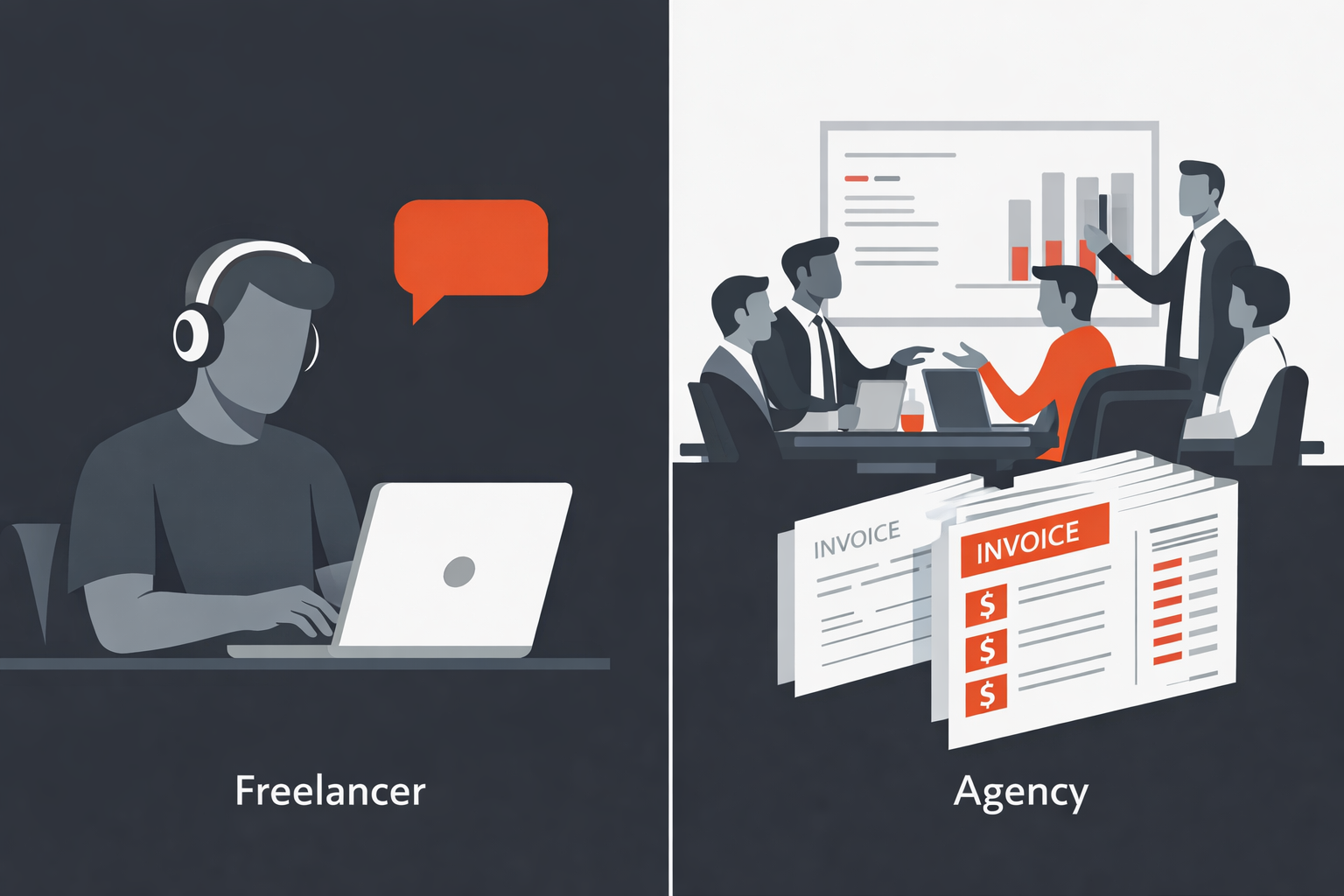
Freelancer vs Agency: Where Should You Spend Your Budget?
This is the real question most business owners face. Here’s an honest comparison:| Freelance Developer | Agency | |
|---|---|---|
|
Typical Cost |
$800 – $5,000 | $10,000 – $50,000+ |
| Communication | Direct with the developer | Through account managers |
| Turnaround | 2–6 weeks typically | 6–12 weeks typically |
| Customization | High — you’re their focus | Depends on agency size |
| Ongoing Support | Usually available | Often requires a retainer |
| Best For | Small businesses, startups, SMEs | Enterprise, complex projects |
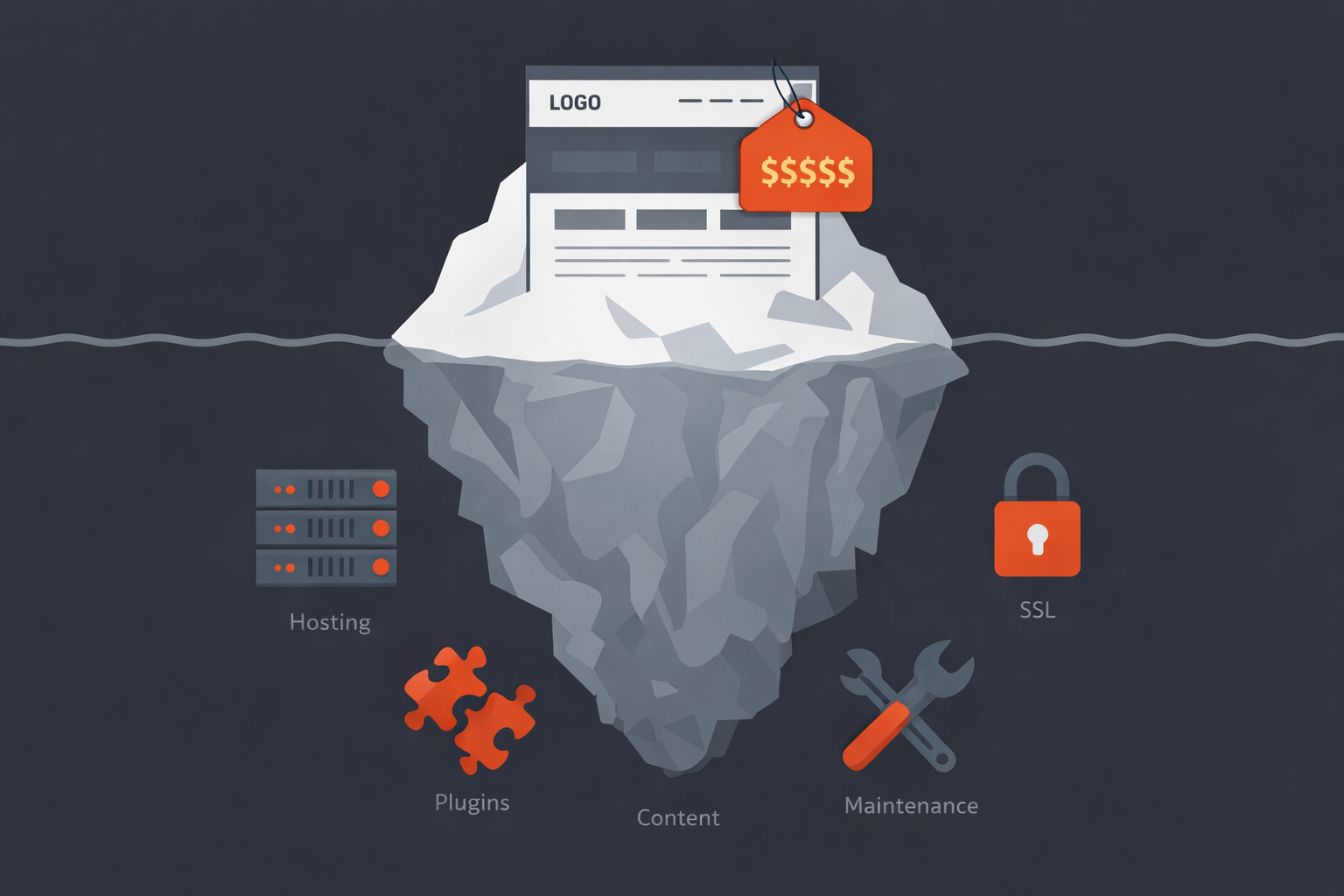
Hidden Costs to Watch Out For
When comparing quotes, make sure you’re comparing apples to apples. Here are costs that are sometimes excluded from a developer’s quote:— Domain Name
$10–$20/year for a .com domain. You should own this yourself, not through your developer.— Hosting
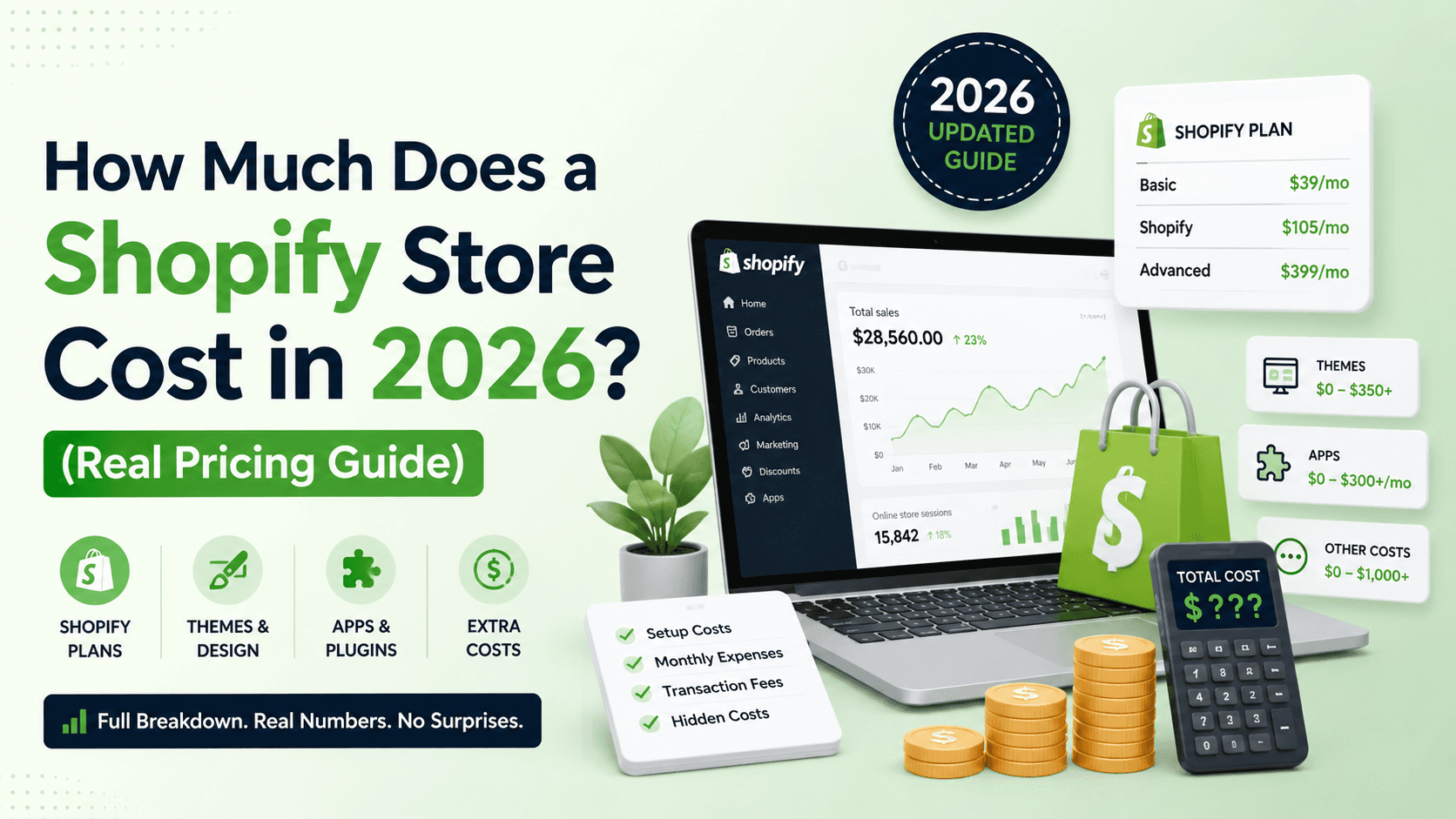
$5–$50/month depending on quality. I recommend managed WordPress hosting (like Cloudways, SiteGround, or Kinsta) for the best balance of speed and reliability. Avoid cheap shared hosting — it’ll cost you in page speed and uptime.— Premium Plugins
Some functionality requires paid plugins. Elementor Pro ($59/year), WooCommerce extensions, booking plugins, or form plugins can add $50–$300/year to your costs. A good developer will tell you upfront which premium tools you’ll need.— SSL Certificate
Most hosts include a free SSL certificate. If yours doesn’t, expect $10–$100/year. Your site needs HTTPS — non-negotiable for security and SEO.— Content & Copywriting
If you don’t have website copy ready, professional copywriting can cost $200–$2,000 depending on the scope. Some developers include basic content guidance in their packages.How to Get the Most Value From Your WordPress Budget
Whether your budget is $800 or $5,000, here’s how to make sure every dollar works hard:— Start With What You Need, Not What You Want
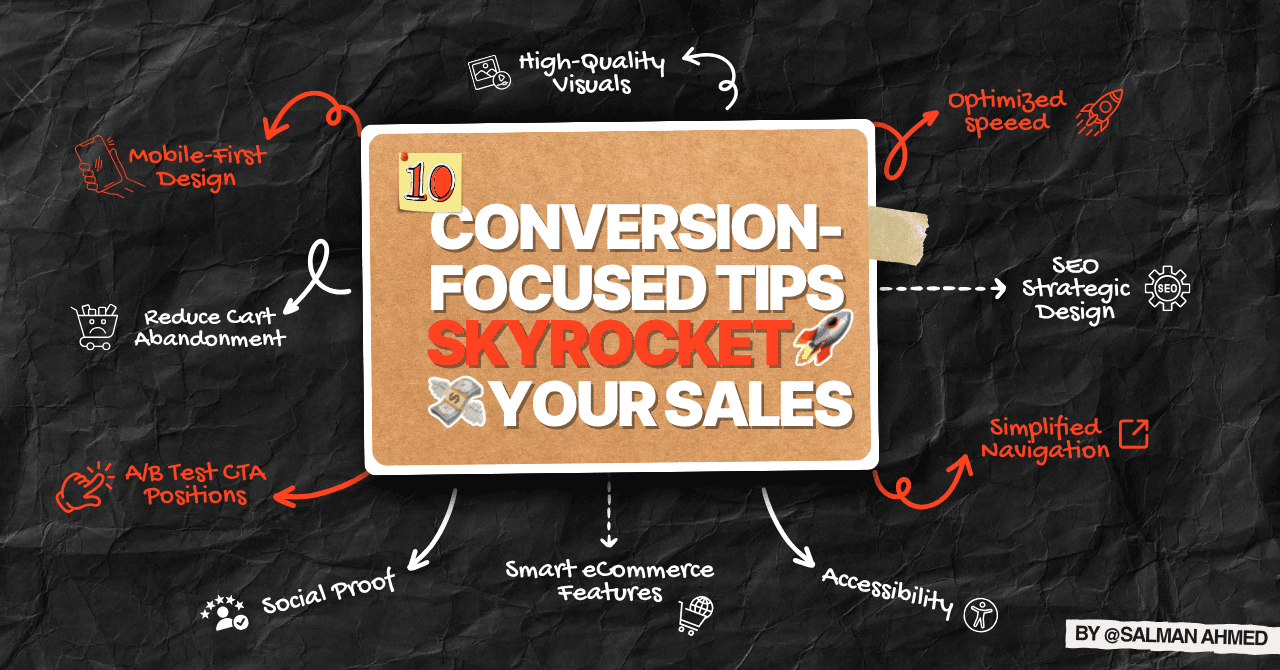
Launch with a solid 5–10 page website that looks professional and converts visitors. You can always add features, pages, and complexity later. I’ve seen too many businesses delay their launch for months trying to build the “perfect” 30-page site when a clean 7-page site would have started generating leads immediately. And if you already have a dated site, a website redesign often costs less than an endless patch job — or a WordPress migration if you’re stuck on Wix or Squarespace.— Insist on SEO From Day One
Rebuilding a site for SEO later costs almost as much as building it right the first time. Make sure your developer includes proper heading structure, schema markup, meta titles, image optimization, and mobile responsiveness from the start. This isn’t optional — it’s foundational.
— Ask About Post-Launch Support
The cheapest quote isn’t the best deal if the developer disappears after launch. Ask upfront: “What happens if something breaks next month?” A good developer offers ongoing maintenance packages or at least ad-hoc support.— Look at Their Real Portfolio
Don’t just look at mockups. Visit the live websites they’ve built. Check the speed, check the mobile experience, check if the sites are actually ranking on Google. A portfolio of live, performing websites tells you more than any sales pitch.What I Charge for WordPress Website Development
I believe in transparent pricing, so here’s what working with me looks like:| Package | What’s Included | Starting Price |
|---|---|---|
| Starter Website | 5–7 page WordPress site, mobile responsive, basic SEO, Elementor-built, 1 revision round | $800 |
| Business Pro | 10–15 page site, conversion-focused design, speed optimization, 2 revision rounds | $1,000 |
| eCommerce Launch | Full WooCommerce or Shopify store, product setup, payment integration, checkout optimization | $2,000 |
| Monthly Maintenance | Updates, backups, speed monitoring, 2 hours of changes per month | $200/mo |